Sep 23, 2026
A practical EVPAD 12P buying guide for Singapore covering SGD checkout, Type G power, HDMI, Wi-Fi, shipping, returns and online support.
Sep 9, 2026
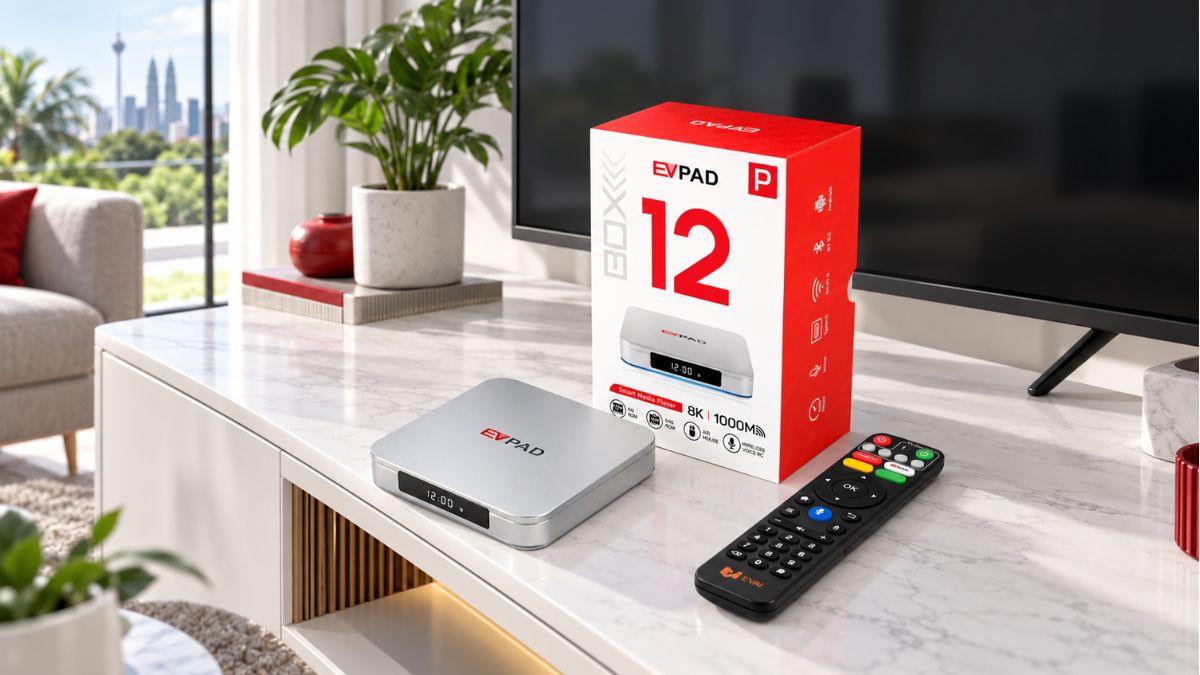
A practical EVPAD 12P buying guide for Malaysia covering MYR checkout, plug and power requirements, TV compatibility, network setup, shipping, returns and online support.
Aug 26, 2026
The EVPAD 12 series is the current generation listed in 2026. This guide explains where EVPAD 12P, 12S, 11P and 11S fit, without relying on unconfirmed release rumors.
Aug 19, 2026
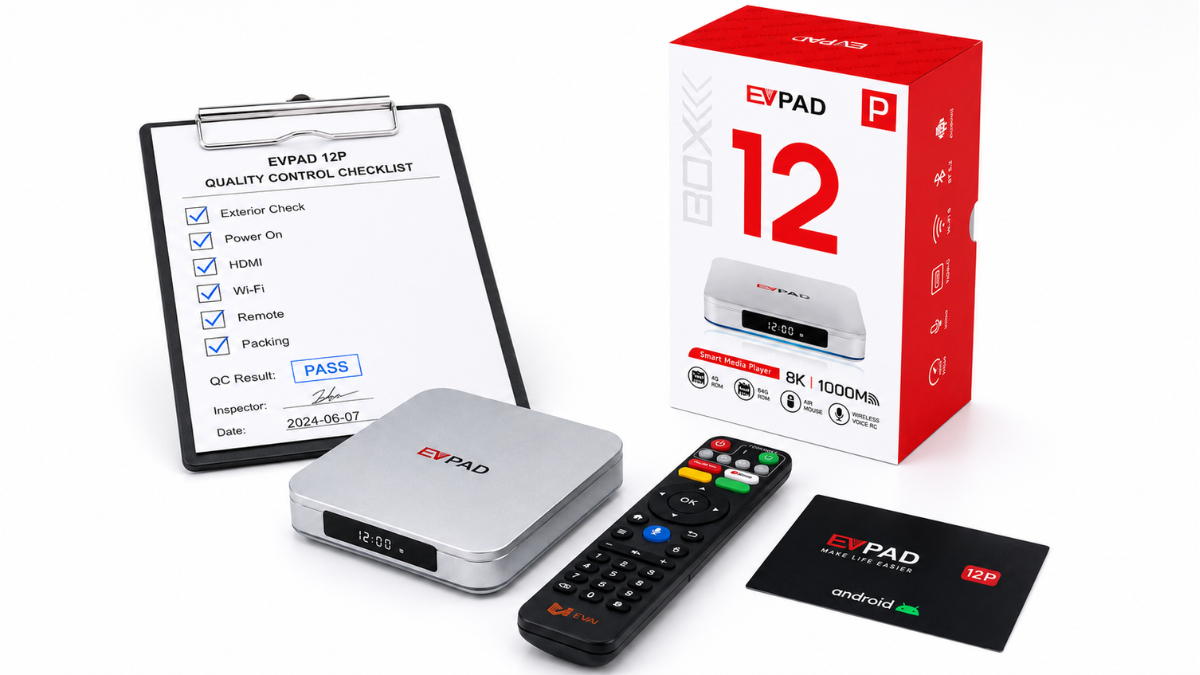
A practical behind-the-scenes look at how EVPAD TV boxes are prepared before shipping, using real packing and first-boot photos to show product verification, accessory checks, HDMI startup confirmation, and final packing readiness.
Mar 10, 2026
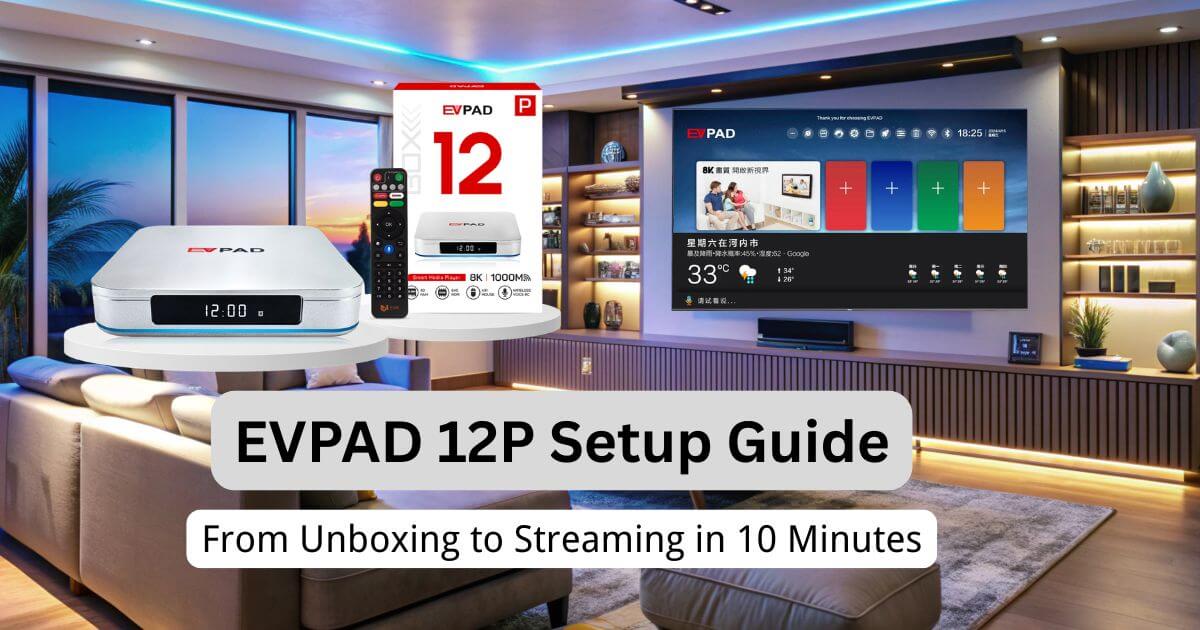
A practical EVPAD 12P setup guide covering unboxing, power, HDMI, Wi-Fi or Ethernet, display settings, language, remote pairing, and basic troubleshooting.
Mar 20, 2026
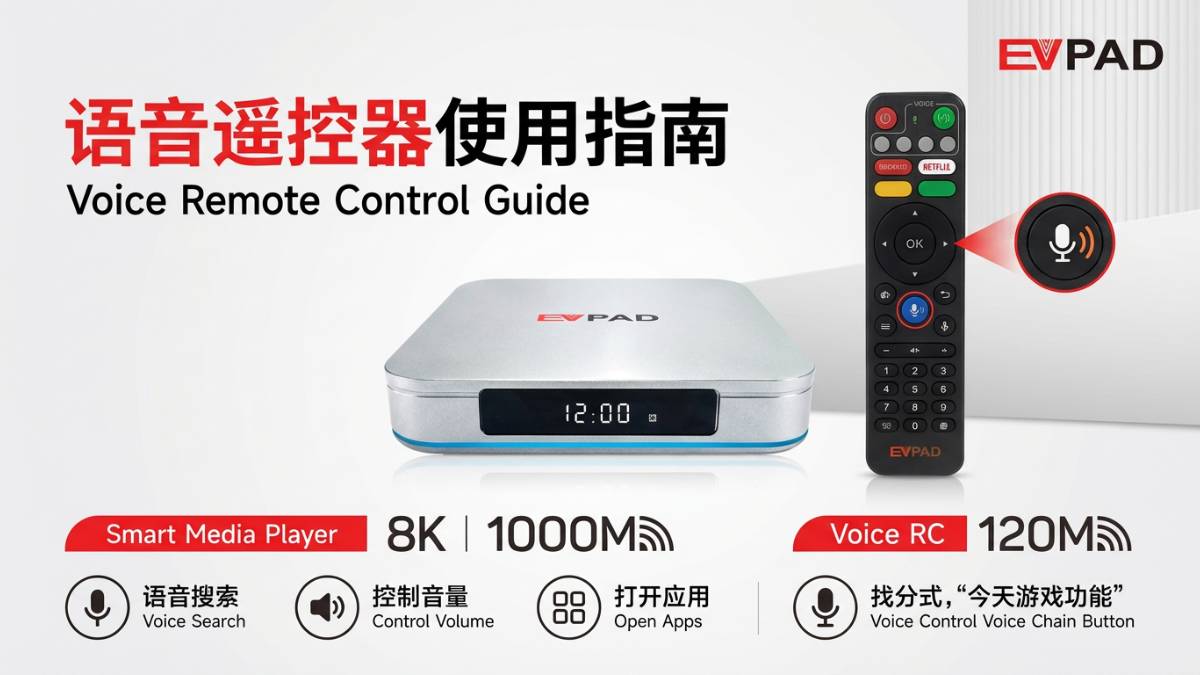
This EVPAD voice remote guide explains Bluetooth pairing, air mouse controls, battery checks, learning functions, infrared use, compatible models, and troubleshooting tips.
Jul 25, 2026
Learn how to check your EVPAD model and system version, prepare for a system update, keep power and network stable, and safely handle update failures.
Nov 16, 2025
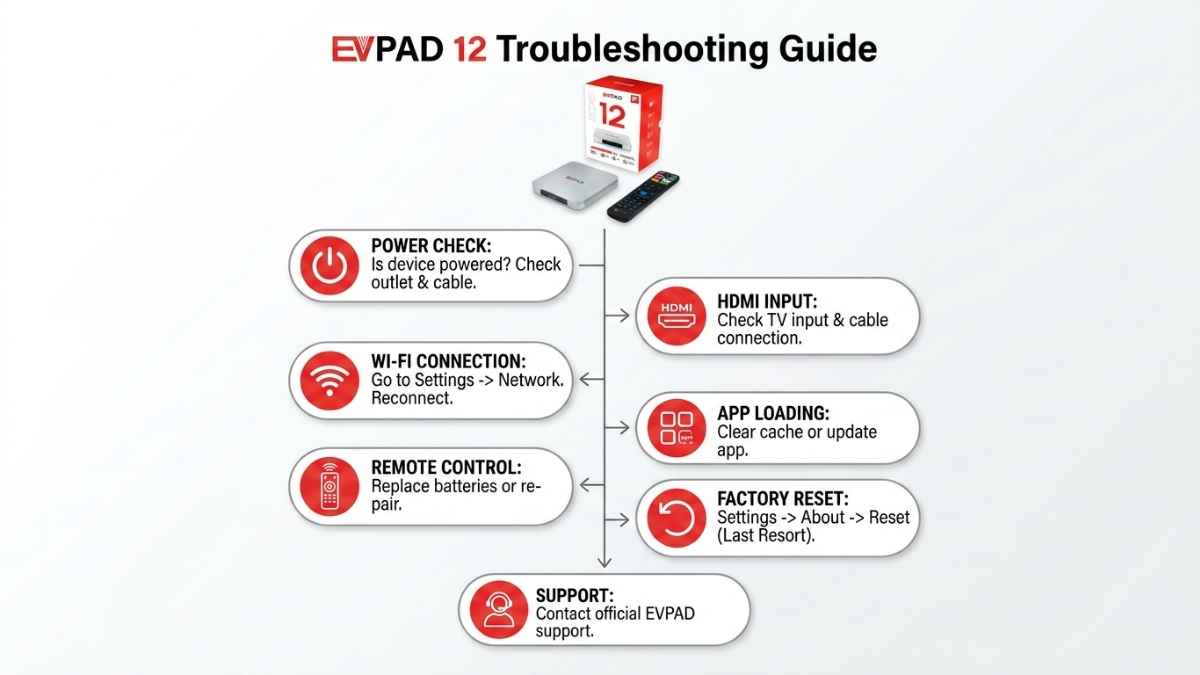
Fix common EVPAD TV box problems, including power issues, Wi-Fi connection problems, no signal, black screen, stuck logo, remote control problems, restart checks, storage, and basic setup after reset.