

If you have recently searched for an EVPAD TV Box, you may be wondering what it actually is, how it connects to a television, what hardware differences matter, and what you should check before buying.
An EVPAD TV Box is a compact device that connects to a television and provides a TV-friendly smart interface. Depending on the model, buyers can compare different RAM and storage configurations, network options, remote controls, ports, display specifications, and support resources before ordering.
This beginner-friendly guide explains the hardware basics, connection methods, compatible-app considerations, model selection, and practical buying checks.
What Is an EVPAD TV Box?
An EVPAD TV Box, sometimes searched as an ev pad tv box or EVPAD smart TV box, is a small device that connects to a television through HDMI. Once connected to power and a home network, it provides a smart TV-style interface that can be controlled with a remote.
The basic idea is straightforward: if your television still works well and has an available HDMI input, an external TV box can add a separate smart-device interface without replacing the entire television.
For most buyers, the useful questions are practical:
- Does the TV have an available HDMI input?
- Can the box connect through Wi-Fi or Ethernet?
- How much RAM and storage does the model include?
- Which ports and remote-control options are available?
- What app compatibility does the model provide?
- What should be checked before ordering?
How Does an EVPAD TV Box Connect?
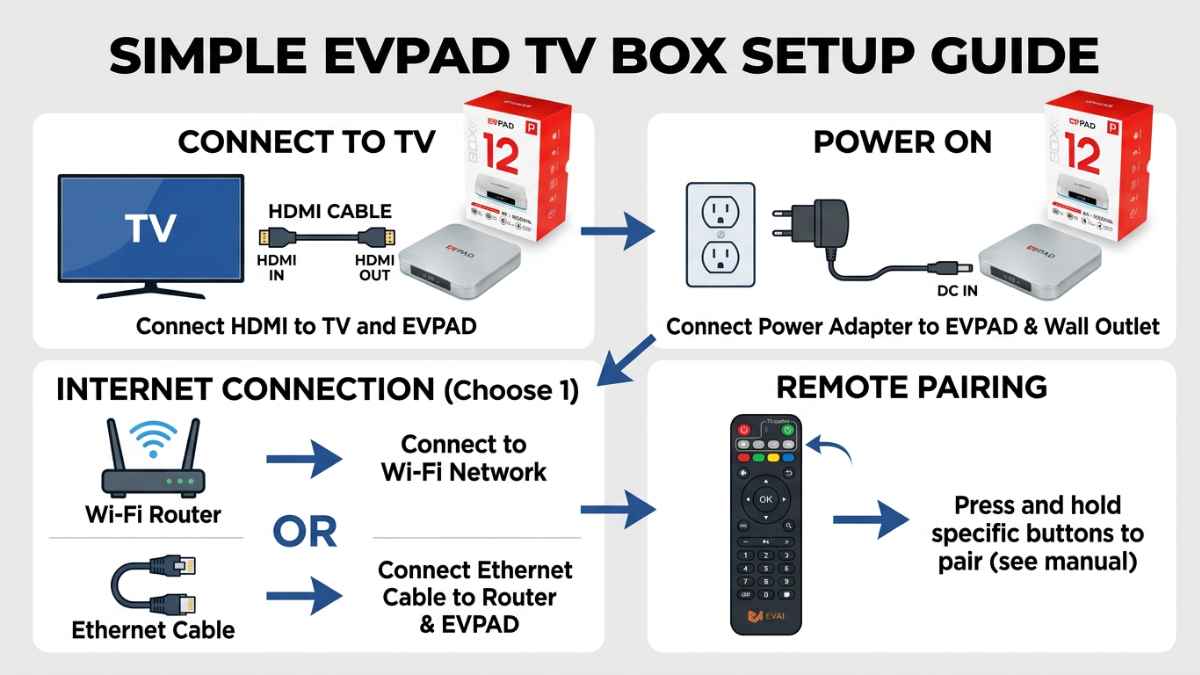
The hardware setup is similar to many smart TV boxes. The device connects to the television through HDMI, uses a compatible power adapter, and reaches the home network through Wi-Fi or Ethernet.
A typical first-time hardware setup looks like this:
- Connect the EVPAD box to the TV with an HDMI cable.
- Connect the correct power adapter.
- Switch the TV to the HDMI input used by the EVPAD box.
- Connect the box to Wi-Fi or Ethernet.
- Check the display, language, date, and time settings.
- Pair or test the remote control.
- Confirm the device model and system information before making advanced changes.
For first-time setup, start with the normal system settings and model-specific support information. Avoid installing unknown files or making unnecessary advanced changes during initial setup.
What Hardware Should You Compare?
EVPAD models can differ in hardware configuration. Before choosing a model, compare the specifications that affect your actual setup rather than focusing only on the model number.
- RAM: More memory can provide additional headroom for system operation and compatible software.
- Storage: Check how much internal storage is included and whether expansion options are available.
- Wi-Fi: Confirm the wireless standard and supported frequency bands.
- Ethernet: A wired LAN port is useful when the television is close to the router or a network outlet.
- HDMI: Confirm that your television has a compatible HDMI input.
- USB / Type-C / TF-card: Check which physical ports are included on the model you are considering.
- Remote control: Compare infrared, wireless, Bluetooth, or voice-control options according to the current product specification.
- Display support: Match the output specification to the television you actually use.
Which Apps Are Compatible with an EVPAD TV Box?
App compatibility depends on the exact EVPAD model, its system version, the app developer's requirements, region, account requirements, and any certification or hardware requirements imposed by the app provider.
Before buying a TV box for a specific app, confirm that the current version of that app supports the model and system you plan to use. Do not assume that every Android-based app will work identically on every TV box.
For normal use, install only software from sources you trust and keep the device system within the supported configuration for your model. If a particular third-party app is essential to your purchase decision, verify compatibility before ordering.
Who May Find an EVPAD TV Box Useful?
An EVPAD TV Box may be practical for households that want a separate smart-device interface connected to an existing television.
Families Using an Older Television
If a television still has a working HDMI port but its built-in interface is slow or limited, an external TV box can be an alternative to replacing the whole screen.
Parents and Older Family Members
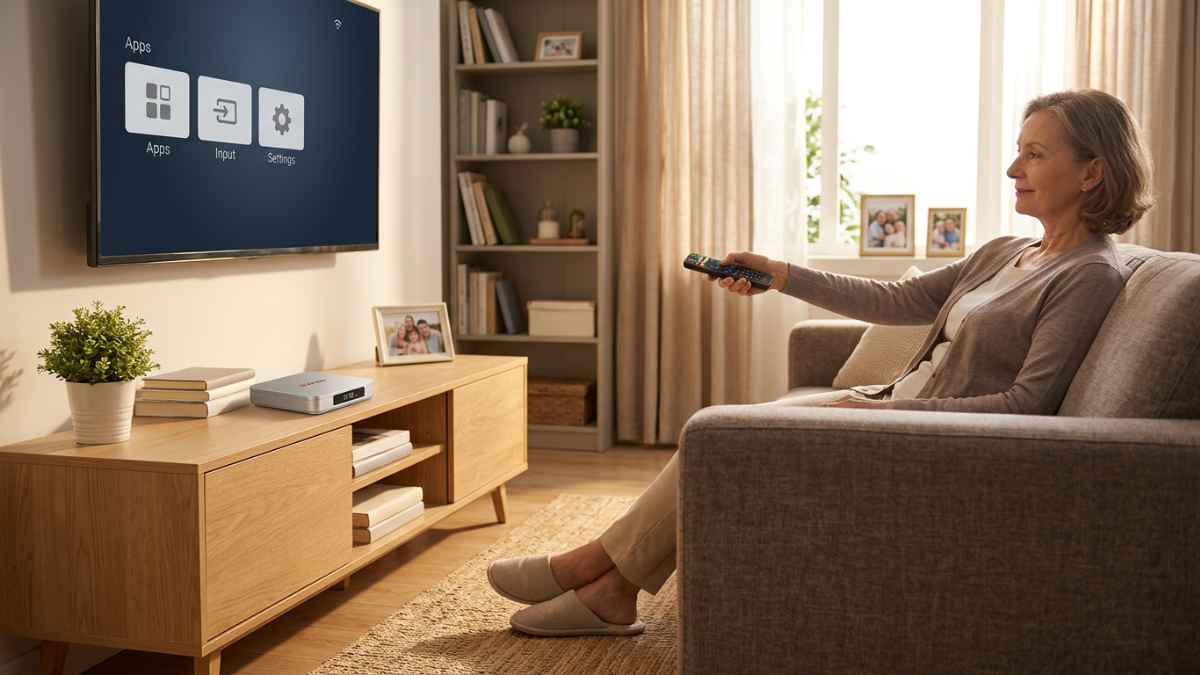
For parents or older relatives, simple setup can matter more than a long feature list. It helps to connect HDMI and the network in advance, confirm the correct TV input, pair the remote, and show the basic Home and Settings controls.
Keeping the Wi-Fi password, HDMI input name, and customer-support information somewhere easy to find can also simplify future troubleshooting.
Overseas Buyers
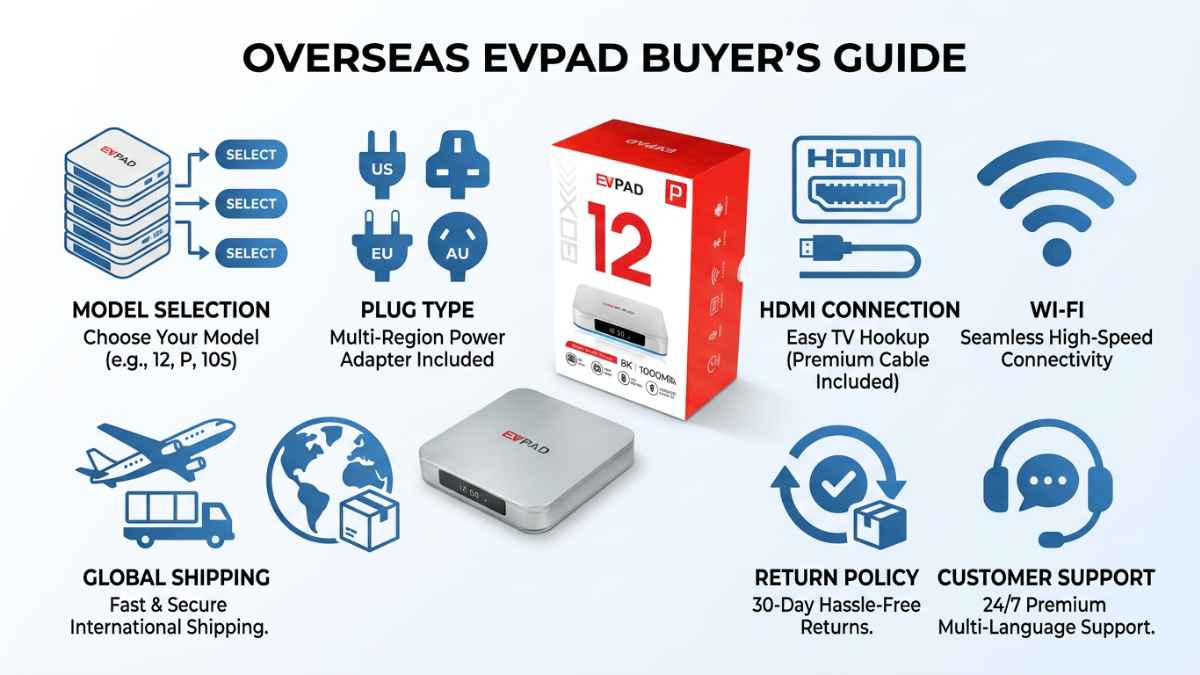
Overseas buyers should confirm practical details such as plug type, power requirements, delivery time, return policy, model version, and customer support before placing an order.
Why Many Buyers Compare EVPAD 12P
Among the current models, the EVPAD 12P product page is one place to start when comparing hardware. EVPAD 12P is positioned as a current-generation model with a compact design and a higher hardware configuration.
The product information highlighted in the source article includes:
- 4GB RAM and 64GB storage
- Wi-Fi 6 connectivity
- 1000M LAN support
- Type-C connection
- Voice remote control
- HDR10 support
Not every buyer needs the same model. Compare RAM, storage, network interfaces, ports, remote control, display requirements, warranty, and price before choosing.
EVPAD TV Box Buyer Checklist
Before buying an EVPAD TV Box, use this checklist to confirm the device fits your television, network, and location.
| Check Item | Why It Matters | Recommended Action |
|---|---|---|
| Choose the right model | Different EVPAD models can have different RAM, storage, ports, network, and remote configurations. | Compare the current EVPAD model specifications |
| Confirm the plug and power requirements | The correct power equipment helps avoid setup problems after delivery. | Review the current product details |
| Check your TV connection | Your TV should have an available compatible HDMI input. | Check the television before ordering |
| Review your network setup | Wi-Fi and Ethernet availability can affect where the device is placed. | Check your router location and available network connection |
| Check app compatibility | A specific app may have system, region, account, certification, or hardware requirements. | Verify important apps before purchase |
| Review delivery times | Delivery estimates vary depending on destination and warehouse availability. | Shipping Policy |
| Read the return policy | Understand the return window and applicable conditions before ordering. | Return and Refund Policy |
| Save support information | Support pages are useful if you have hardware, setup, warranty, or model questions later. | FAQ / Contact Us |
What Should Overseas Buyers Check Before Ordering?
Overseas buyers should look beyond the product title and verify the hardware and order details before checkout.
1. Plug and Power Requirements
Confirm the plug type and power requirements for the destination where the device will actually be used. If an adapter is required, confirm that it is appropriate for the device and local electrical setup.
2. Delivery Time
Delivery times vary by destination and warehouse availability. Check the store's current Shipping Policy before ordering rather than relying on an older delivery estimate in an article.
3. Return Policy
Review the current Return and Refund Policy before ordering so you understand the return window, applicable conditions, and required process.
4. Warranty and Support
Confirm the warranty period, where support is provided, and what model or order information you should keep in case you need help later.
Where to Find Setup and Support Information
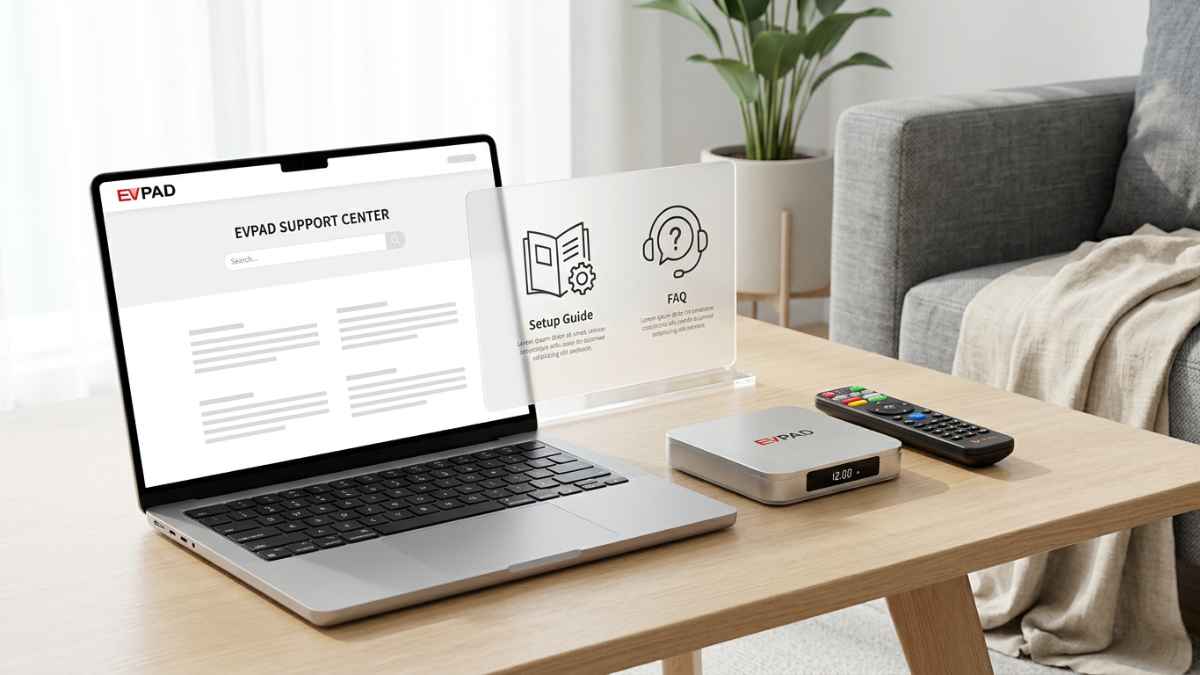
For first-time users, keep the normal support pages easy to access:
- FAQ page: basic setup, troubleshooting, warranty, and return information.
- Contact Us: direct support for model, order, setup, or hardware questions.
- EVPAD TV Box collection: compare current models and hardware configurations.
During initial setup, complete the basic hardware and system checks first. If a problem continues, contact support with the exact model and a clear description of the issue.
How to Choose the Right EVPAD Model
There is no single model that suits every household. Start with the hardware and connection requirements that matter to you.
- For more RAM and storage: compare the current model configurations.
- For wired networking: check whether Gigabit LAN is included.
- For wireless placement: compare Wi-Fi standards and your router setup.
- For parents or older relatives: prioritize remote-control comfort and simple first-time setup.
- For a specific app: verify current app compatibility before ordering.
- For overseas use: confirm plug, power, shipping, warranty, and return details.
If you are still deciding, browse the EVPAD TV Box collection and compare the current models side by side.
FAQ
What is an EVPAD TV Box?
An EVPAD TV Box is a compact smart TV device that connects to a television through HDMI. It uses a separate power connection and can connect to a home network through Wi-Fi or Ethernet.
Is an EVPAD TV Box easy to set up?
The basic hardware setup is straightforward: connect HDMI, connect the correct power adapter, select the correct HDMI input, connect to Wi-Fi or Ethernet, and test the remote control.
What apps work on an EVPAD TV Box?
Compatibility depends on the EVPAD model, system version, app requirements, region, account requirements, and any certification or hardware requirements from the app provider. Verify any essential app before buying.
Is EVPAD suitable for parents or older family members?
It can be practical when the initial setup is completed carefully. Pre-connect the network, confirm the HDMI input, test the remote, and keep support information easy to find.
Which EVPAD model should I choose?
Compare RAM, storage, Wi-Fi, Ethernet, physical ports, remote-control options, display requirements, warranty, and budget before ordering.
Where can I get EVPAD setup help?
Start with the FAQ page. For additional assistance, use the Contact Us page.
Final Thoughts: Choosing the Right EVPAD for Your Home
An EVPAD TV Box is best evaluated as a piece of hardware: check how it connects to your television, how it reaches your network, which ports and remote it provides, whether the apps you need are compatible, and what support is available after purchase.
The most important step is not automatically choosing the most expensive model. Match the hardware, connections, app requirements, power setup, delivery location, warranty, and budget to the person who will actually use the device.
For current models and product details, browse the EVPAD TV Box collection and choose the option that best fits your home.