
EVPAD Support Center
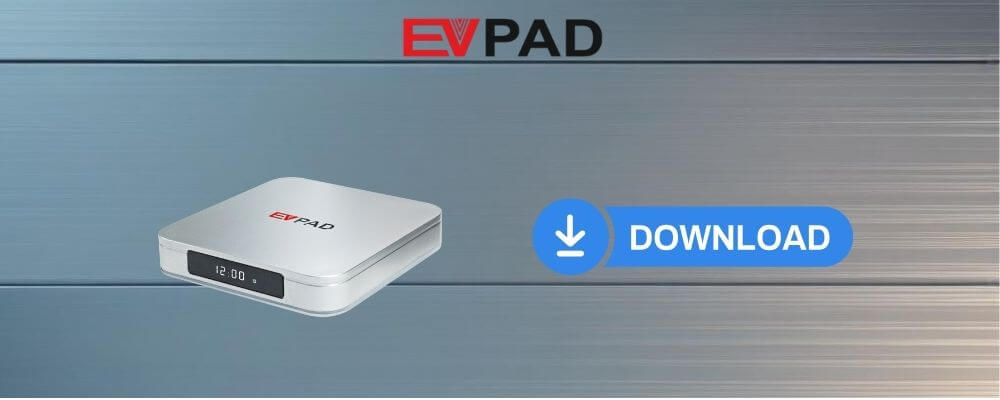
Find practical help for setting up and maintaining your EVPAD device. This support center covers initial setup, system updates, network settings, display configuration, remote-control checks, and common troubleshooting steps.
Before troubleshooting, confirm your EVPAD model and keep the device connected to a stable power source and internet connection. Different generations may use slightly different menus and settings.
Quick Start
1. Connect Your Device
Connect the EVPAD box to your TV using HDMI, connect the power adapter, and select the correct HDMI input on your television.
2. Connect to the Internet
Use Wi-Fi or Ethernet and confirm that the device has a stable internet connection before continuing with setup.
3. Check System Settings
Review language, display, network, date and time, and system-update settings before regular use.
Identify Your EVPAD Model
Check the product label on your device or packaging before following troubleshooting instructions. Menu names and available settings can vary between generations.
Current Models
EVPAD 12P, EVPAD 12S, EVPAD 11P and EVPAD 11S
Earlier Models
EVPAD 10P, 10S, 6P, 6S, 5P, 5S and earlier generations
You can also compare currently available models in the EVPAD TV box collection.
System & Firmware Update Guidance
Keeping the device software up to date can help maintain system stability and compatibility. When an update is available through your device settings, follow the on-screen instructions carefully.
- Keep the device connected to a stable power source during an update.
- Use a reliable Wi-Fi or Ethernet connection.
- Do not disconnect the power while a system update is being installed.
- Restart the device after the update if required.
- If an update fails repeatedly, contact support before attempting additional recovery steps.
Important: Use system updates intended for your exact EVPAD model. Installing incompatible system files may prevent the device from starting correctly.
Wi-Fi & Network Troubleshooting
If the EVPAD device cannot connect to the internet or the connection is unstable, try these basic checks:
- Restart both the EVPAD device and your router.
- Move the device closer to the Wi-Fi router if the signal is weak.
- Forget the saved Wi-Fi network and reconnect using the correct password.
- Try Ethernet if your model and home network support a wired connection.
- Check whether other devices on the same network can access the internet normally.
Display & HDMI Troubleshooting
If your TV shows no picture, a black screen, or an unstable image, check the HDMI connection first.
- Confirm that the television is using the correct HDMI input.
- Disconnect and reconnect the HDMI cable at both ends.
- Try another HDMI port on the television.
- Restart both the television and EVPAD device.
- If available, test with another compatible HDMI cable.
Remote Control Help
If the remote control is not responding normally, check the batteries and confirm that there are no objects blocking communication with the device.
- Replace or reinstall the remote-control batteries.
- Restart the EVPAD device.
- Move closer to the device during testing.
- If your model uses Bluetooth pairing, check the remote-control settings and reconnect it if necessary.
Device Running Slowly or Freezing
Temporary performance issues can often be resolved with a normal restart and basic storage or network checks.
- Restart the EVPAD box.
- Check that the internet connection is stable.
- Make sure the device has enough available storage space.
- Close unnecessary background processes where available.
- Check for an available system update.
Before Performing a Factory Reset
A factory reset removes local settings and returns the device to its original system configuration. It should generally be used only after normal troubleshooting steps have failed.
Before resetting: Make sure you understand which settings will be removed. If you are unsure whether a factory reset is appropriate for your problem, contact customer support first.
Current EVPAD Model

Visit the EVPAD 12P product page for current hardware specifications, package information, plug options, warranty information, and store offers.
EVPAD Support FAQ
What should I check when setting up a new EVPAD?
Confirm the HDMI and power connections first, select the correct TV input, connect the device to the internet, and review the basic display, language, network, and system settings.
What should I do if my EVPAD cannot connect to Wi-Fi?
Restart the EVPAD and router, reconnect to the Wi-Fi network, check the password and signal strength, and try Ethernet if available.
Why is there no picture on my TV?
Check that the TV is using the correct HDMI input, reconnect the HDMI cable, try another HDMI port, and restart both devices.
Should I factory reset the device if there is a problem?
Try normal restart, network, HDMI, and system-update checks first. A factory reset should normally be used only when standard troubleshooting does not resolve the issue.
How can I contact EVPAD support?
Visit the Contact Us page and provide your EVPAD model, order information, and a brief description of the problem.
Need More Help?
For additional shipping, warranty, return, setup, and customer-service information, visit the EVPAD FAQ page.
If your problem continues, please contact our support team and include your EVPAD model and a clear description of the issue.