
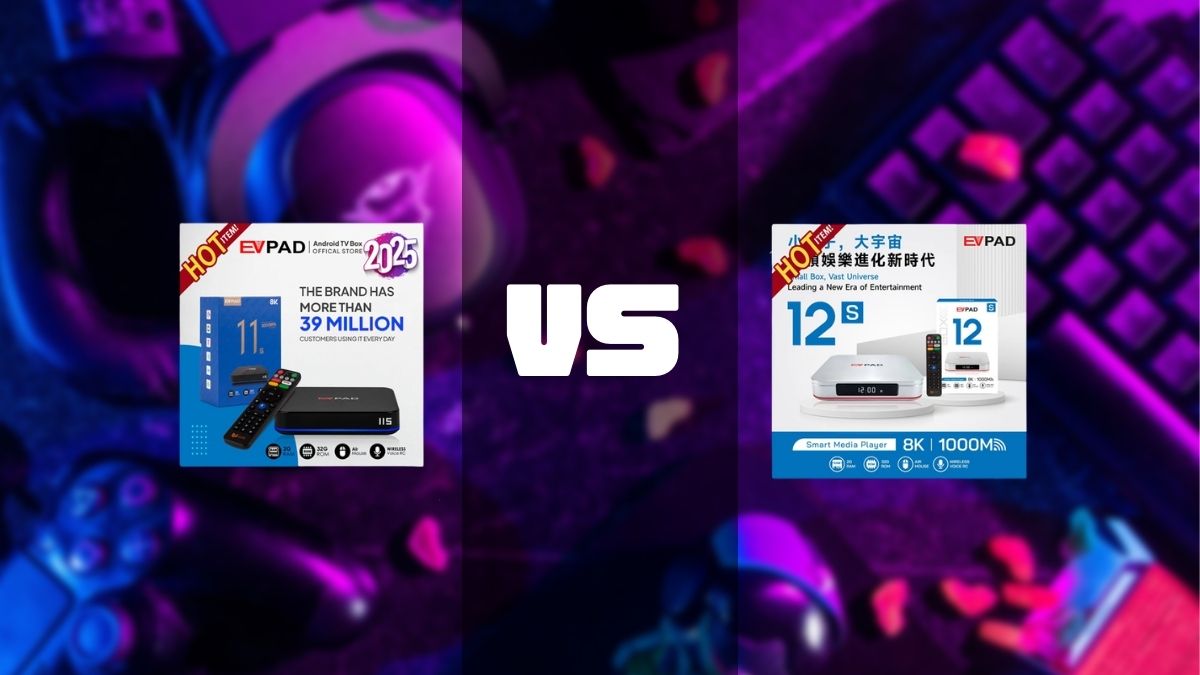
The EVPAD 12S is a newer-generation model compared with EVPAD 11S. This comparison focuses only on the hardware changes that matter when deciding whether to buy or upgrade: exterior design, power connection, network hardware, remote control, display specifications, and overall upgrade value.
EVPAD 12S vs 11S: Hardware Upgrade Overview
The clearest changes described in the current product information are the new silver exterior, Type-C power connection, Wi-Fi 6, Gigabit Ethernet, an updated wireless voice remote, and newer display-related specifications.
If your EVPAD 11S still works reliably, a newer generation alone does not automatically mean you need to replace it. The upgrade makes more sense when the newer hardware solves a real limitation in your current setup.
Stylish New Design
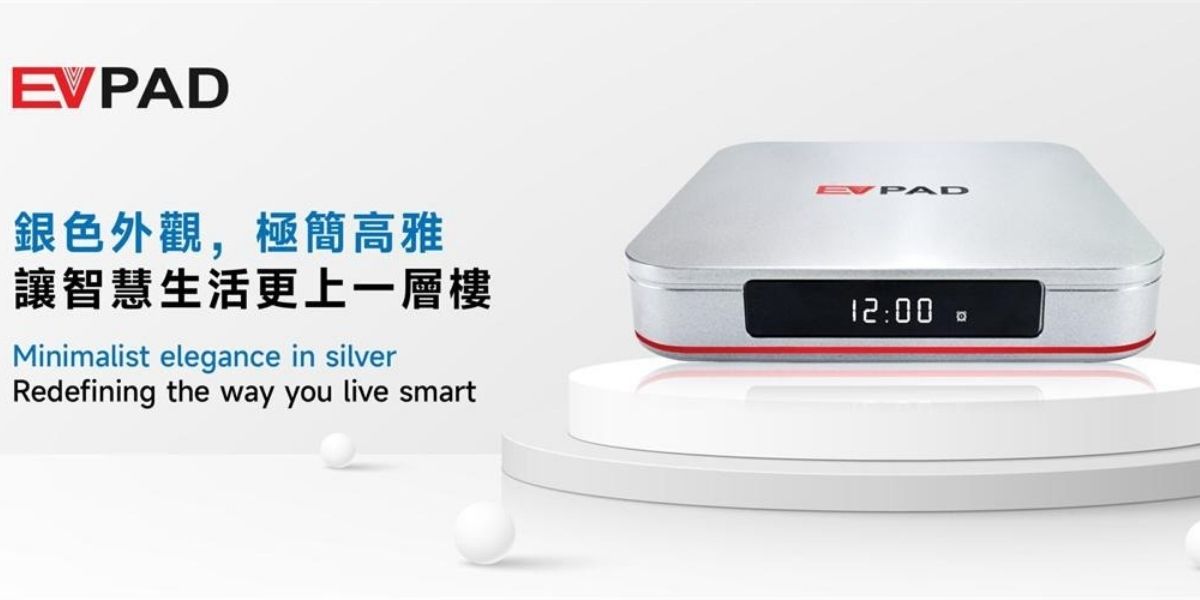
Design: EVPAD 12S adopts a silver exterior, replacing the black-shell design used on EVPAD 11S. This is mainly a visual and generation change rather than a performance reason by itself.
USB Type-C Power
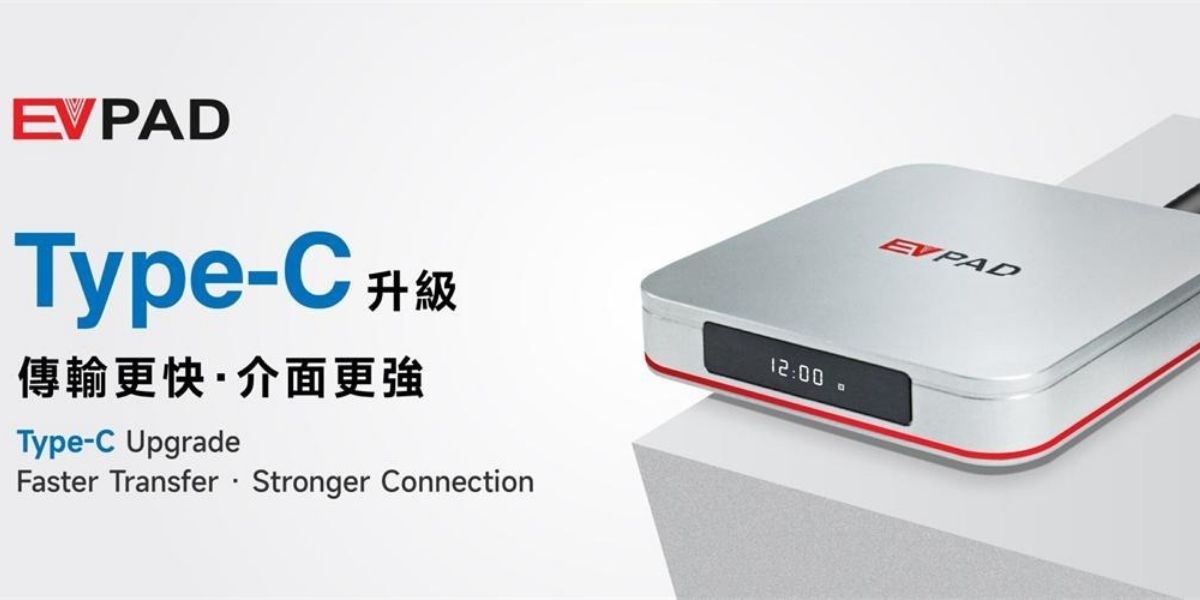
Power Connection: According to the current comparison information, EVPAD 11S uses a traditional barrel-style DC power connection, while EVPAD 12S uses a Type-C power port.
Type-C can make cable orientation and replacement more convenient, but users should still use a power adapter that matches the device's required voltage and current. A Type-C connector does not mean every USB-C charger is suitable.
Wireless Voice Remote
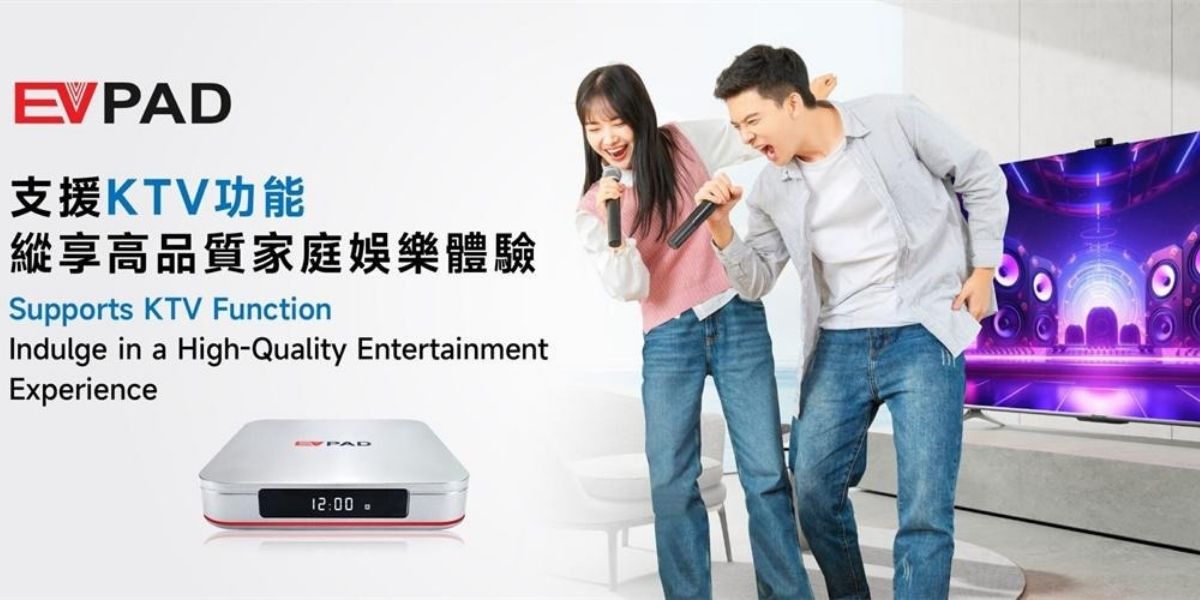
Remote Control: The current product information lists an updated wireless voice remote for EVPAD 12S. In daily use, the practical points to compare are pairing stability, button response, battery condition, and whether the voice button works correctly after pairing.
Wi-Fi 6 and Gigabit Ethernet
Network Hardware: EVPAD 12S lists Wi-Fi 6 and a 1000M Gigabit Ethernet port. These provide both wireless and wired network options for different home setups.
Actual network performance still depends on your router, internet connection, distance, walls, interference, and Ethernet equipment. The newer network specification should not be treated as a guarantee of faster internet in every home.
Display Hardware and Output Specifications
The current source information lists higher-end display specifications for EVPAD 12S, including 8K Ultra HD and HDR10 support. These are hardware and output specifications rather than a guarantee of picture quality in every setup.
Actual output depends on the television, HDMI connection, display settings, and source material. If your current EVPAD 11S already provides the resolution you use on your TV, display specifications alone may not justify an immediate upgrade.
Design and Daily Hardware Use
The silver EVPAD 12S has a visibly newer exterior than the black EVPAD 11S. Beyond appearance, the more practical hardware changes are Type-C power, the updated network interfaces, and the current remote-control configuration.
When deciding whether the newer model is better for you, check real daily-use factors such as startup stability, menu response, HDMI output, Wi-Fi or Ethernet reconnection, remote response, and whether the older box is beginning to require frequent troubleshooting.
Should You Upgrade to EVPAD 12S?
EVPAD 12S is easier to recommend for a new purchase because it is the newer hardware generation and includes several practical changes.
Consider upgrading from EVPAD 11S if you want:
- A newer silver hardware design
- Type-C power connection
- Wi-Fi 6
- Gigabit Ethernet
- An updated wireless voice remote
- Newer display-output specifications
- A replacement for an older 11S that has become less reliable
If your EVPAD 11S still starts normally, connects reliably, responds well to the remote, and meets your display needs, keeping it can still be reasonable. The most useful upgrade is one that solves an actual hardware or reliability limitation.
EVPAD 12S vs 11S: What Matters Most?
For this comparison, the upgrade decision should be based on hardware rather than content or software services. The main areas to compare are:
- Design: newer silver exterior vs older black design
- Power: Type-C vs traditional DC connection
- Network: Wi-Fi 6 and Gigabit Ethernet on the newer model
- Remote: updated wireless voice-remote configuration
- Display: newer output specifications listed for EVPAD 12S
- Device condition: whether your current EVPAD 11S is still stable and reliable
Final Recommendation
If you are buying a new EVPAD S-series model, EVPAD 12S is the more current hardware choice based on the upgrades described above.
If you already own EVPAD 11S, upgrading is most worthwhile when you specifically want Type-C power, newer network hardware, the updated remote, newer display specifications, or you are replacing an aging device. If your 11S remains stable and meets your needs, there is no requirement to replace it immediately.