
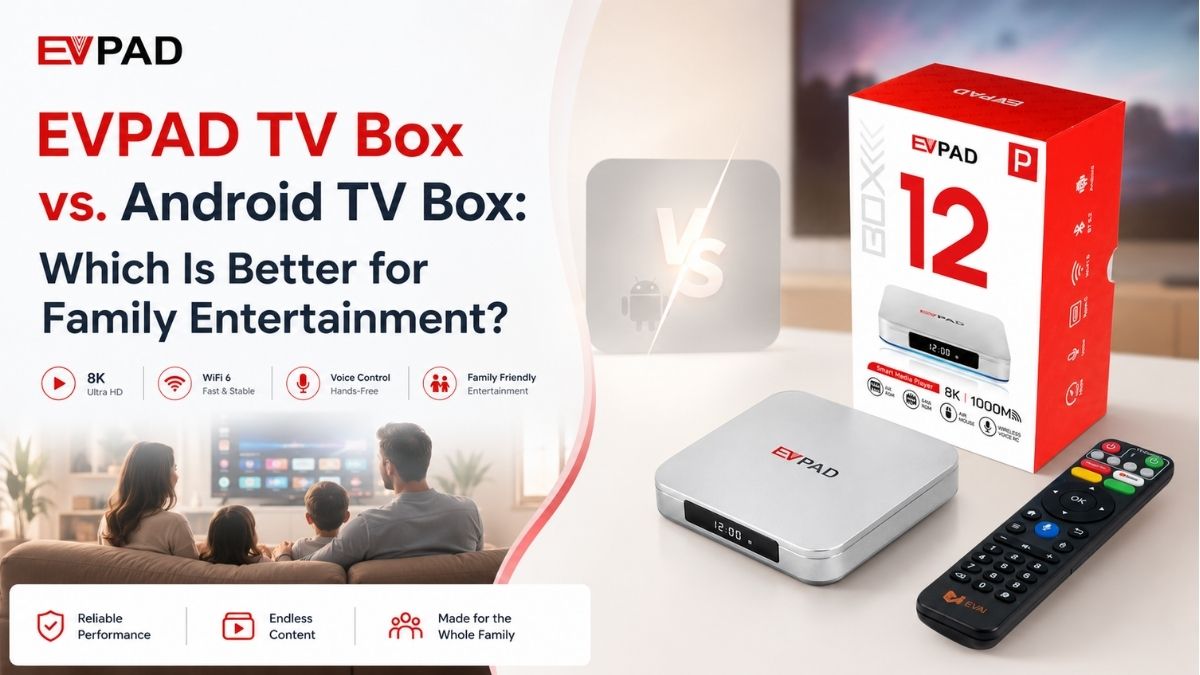
If you are comparing an EVPAD TV Box with a regular Android TV Box, the most useful differences are not about program or channel content. A better comparison looks at hardware configuration, setup support, remote control, physical ports, network connectivity, app compatibility, and after-sales service.
Both types of devices can connect to a television through HDMI and use an Android-based system, but the exact hardware and support experience can vary significantly by model and seller.
What Is the Main Difference?
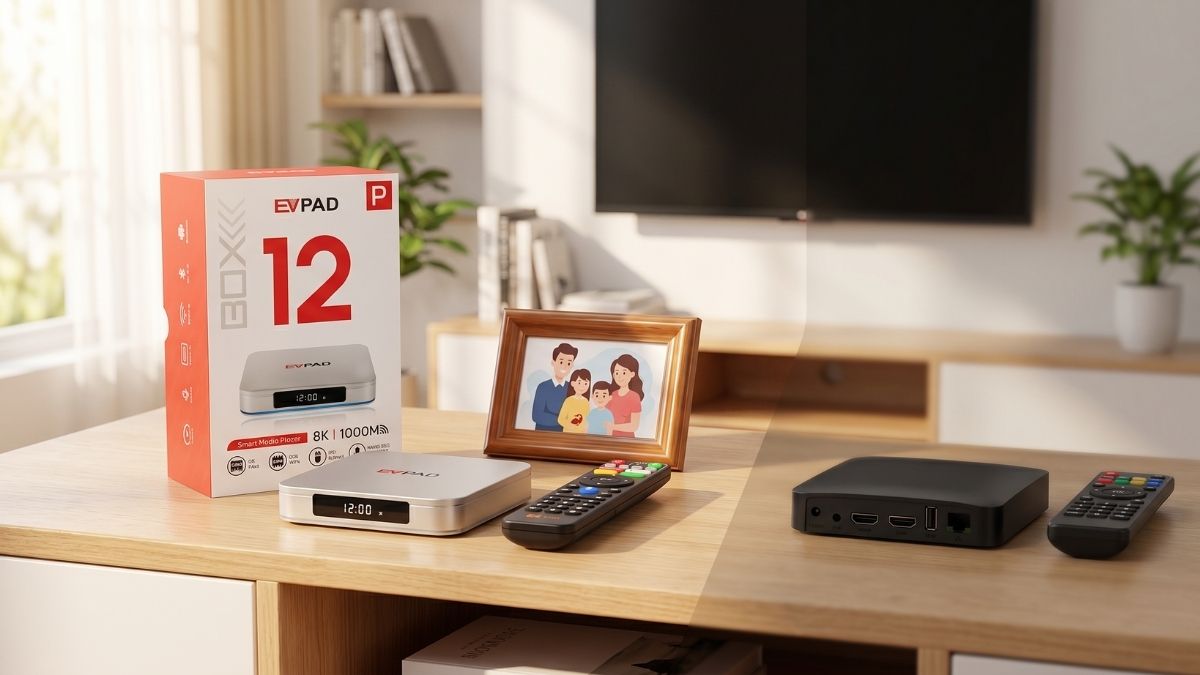
A regular Android TV Box is a broad product category. Hardware can vary widely between brands and models, including RAM, storage, processor, Wi-Fi, Ethernet, ports, remote control and system version.
An EVPAD TV Box is a specific product family with defined model configurations. If you are comparing EVPAD with another Android TV Box, check the exact model specifications rather than assuming every Android box has the same hardware or setup experience.
You can browse current EVPAD TV Box models to compare available hardware configurations.
Hardware Configuration: Compare the Exact Model
Start with the specifications that directly affect the device and your home setup:
- RAM: Compare the memory included with each model.
- Storage: Check internal storage capacity and expansion options.
- Network: Compare Wi-Fi generation, supported frequency bands and Ethernet speed.
- HDMI: Confirm compatibility with your television and required display output.
- USB / Type-C / TF-card: Check which physical connections are actually available.
- Remote control: Compare infrared, wireless, Bluetooth and voice-control options according to the current product specification.
Do not judge a TV Box only by a processor name or a headline resolution. The full hardware configuration should match the television, router, accessories and user who will operate the device.
Setup Support: What Help Is Available?
The basic hardware setup for both EVPAD and regular Android TV Boxes is similar: connect HDMI, connect the correct power adapter, choose the correct TV input, connect Wi-Fi or Ethernet, and test the remote.
The difference can be the level of model-specific support available after purchase. Before buying any TV Box, check whether the seller provides clear setup instructions, FAQ information, troubleshooting guidance and a direct support channel.
EVPAD buyers can use the EVPAD FAQ page for basic setup and troubleshooting information, or contact customer support for model or order questions.
Remote Control: Daily Operation Matters
A remote control can make a large difference in everyday use. Compare the exact remote included with each model rather than assuming all Android TV Boxes use the same control system.
Useful points to check include:
- Infrared or wireless operation
- Bluetooth or 2.4GHz pairing, where supported
- Voice-control support, where supported
- Button layout and basic navigation
- Battery requirements
- Replacement or after-sales options if the remote develops a problem
For parents or older family members, a straightforward remote layout and stable pairing may be more useful than additional advanced settings.
Ports and Connectivity
Physical ports are another practical area where TV Boxes can differ. Before ordering, compare the current model specifications for:
- HDMI output
- Ethernet / LAN
- USB ports
- Type-C
- TF-card or microSD expansion
- Audio connections such as SPDIF or AV-OUT, when available
If you plan to use wired Ethernet, external storage, a keyboard, or another accessory, confirm the required port is present on the exact model before buying.
Wi-Fi and Ethernet
Network specifications vary widely across Android TV Boxes. Some models use older Wi-Fi standards or 100M Ethernet, while others may support newer Wi-Fi standards or Gigabit LAN.
EVPAD models also differ, so always check the current product specification. Actual network performance depends on the router, internet service, distance, interference, walls, cables and other network equipment.
A newer Wi-Fi or Ethernet specification should not be treated as a guarantee of faster internet in every home.
App Compatibility
Both EVPAD and regular Android TV Boxes may run compatible applications, but app compatibility should be checked separately from hardware specifications.
Compatibility can depend on the exact model, Android or system version, region, user account, certification requirements, hardware requirements and the current version of the app itself.
If a specific third-party app is essential to your purchase decision, verify its current compatibility before ordering. Do not assume that every Android-based TV Box supports every Android app in the same way.
After-Sales Support
After-sales service can be just as important as hardware, especially if you are buying a TV Box for another family member.
Before ordering, compare:
- Warranty period
- Return conditions
- Customer-support contact options
- Availability of model-specific setup guidance
- Replacement support for hardware or remote-control issues
- Shipping location and return process
For EVPAD orders, review the current Shipping Policy and Return and Refund Policy before checkout.
Who May Prefer a Regular Android TV Box?
A regular Android TV Box may suit users who:
- Want to compare many different hardware brands and configurations
- Are comfortable adjusting system settings on their own
- Prefer a general-purpose Android device
- Already know the ports, system version and app compatibility they require
- Are comfortable relying on the individual seller or manufacturer for support
Who May Prefer an EVPAD TV Box?
An EVPAD TV Box may be a practical option for buyers who:
- Want to compare clearly defined EVPAD model configurations
- Prefer model-specific setup information
- Value remote-control-first operation
- Want clear warranty, return and customer-support information
- Are buying for parents or family members and want a more guided setup process
For current hardware options, you can review the EVPAD 12P product page or browse the full EVPAD TV Box collection.

Buying Checklist Before You Decide
- What RAM and storage does each exact model include?
- Does your television have the required HDMI connection?
- Do you need Wi-Fi only, or Gigabit Ethernet as well?
- Which USB, Type-C, TF-card or audio ports do you need?
- Which type of remote control is included?
- Is a specific app compatible with the model and system version?
- Are setup instructions and customer support available?
- What are the warranty and return conditions?
- Are the power adapter and plug suitable for the location where you will use the box?
FAQ
Is EVPAD better than a regular Android TV Box?
There is no universal answer. Compare the exact hardware, ports, network options, remote control, app compatibility, warranty and support. EVPAD may be a better fit for buyers who prefer a clearly defined product family and model-specific support, while a regular Android TV Box may suit users who prefer broader hardware choice and customization.
Is EVPAD easy for parents or older family members to use?
It can be practical when the initial setup is completed carefully. Connect HDMI and the network, pair the remote, test the basic controls, and keep support information easy to find.
What hardware should I compare first?
Start with RAM, storage, Wi-Fi, Ethernet, HDMI, USB and other ports, remote-control type, and display requirements. Compare the exact models rather than the category name alone.
Can EVPAD and regular Android TV Boxes use the same apps?
Not necessarily. Compatibility depends on the exact device, system version, region, account, certification or hardware requirements, and the app's current version. Verify important apps before purchase.
What should I check before buying an EVPAD TV Box?
Check the model specifications, power and plug requirements, TV connection, network options, remote control, app compatibility, warranty, shipping, return policy and after-sales support.
Where can I get EVPAD setup help?
Use the EVPAD FAQ page for basic setup and troubleshooting, or Contact Us for additional support.
Final Recommendation
The better choice depends on your hardware needs and the level of support you want. Compare the exact models by RAM, storage, network, ports, remote control, app compatibility, warranty and after-sales service rather than comparing program or channel content.
If you want to compare current EVPAD hardware before ordering, browse the EVPAD TV Box collection and choose the model that best fits your television and home network.