🎉 限定期間!EVPAD12Pを購入すると、5%割引コード:EVPAD95、2つの無料ギフトをゲット!

カート

ショッピングカートに商品は入っていません

お買い物へ進む

EVPAD12P vs UBOX12 Review: Design, Performance, Features, and Which One Is Better

2026年4月20日
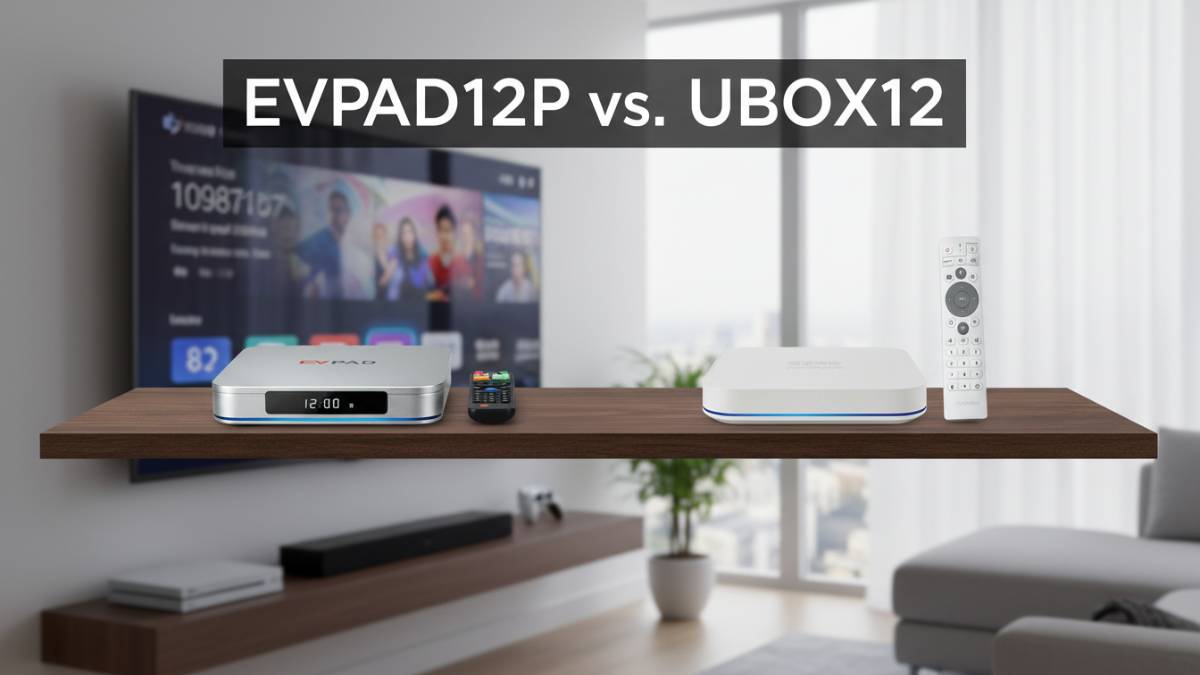
EVPAD12P vs UBOX12 comparison review cover image

If you are comparing the UnblockTech TV BOX and the EVPAD TV BOX, one of the first things you will notice is that EVPAD12P feels more premium and complete in everyday use. While both devices are designed for home entertainment, EVPAD focuses more on a smoother system experience, richer features, and a more refined overall setup. That makes it especially appealing for users who want a TV box that feels more polished and easier to use in the long run.

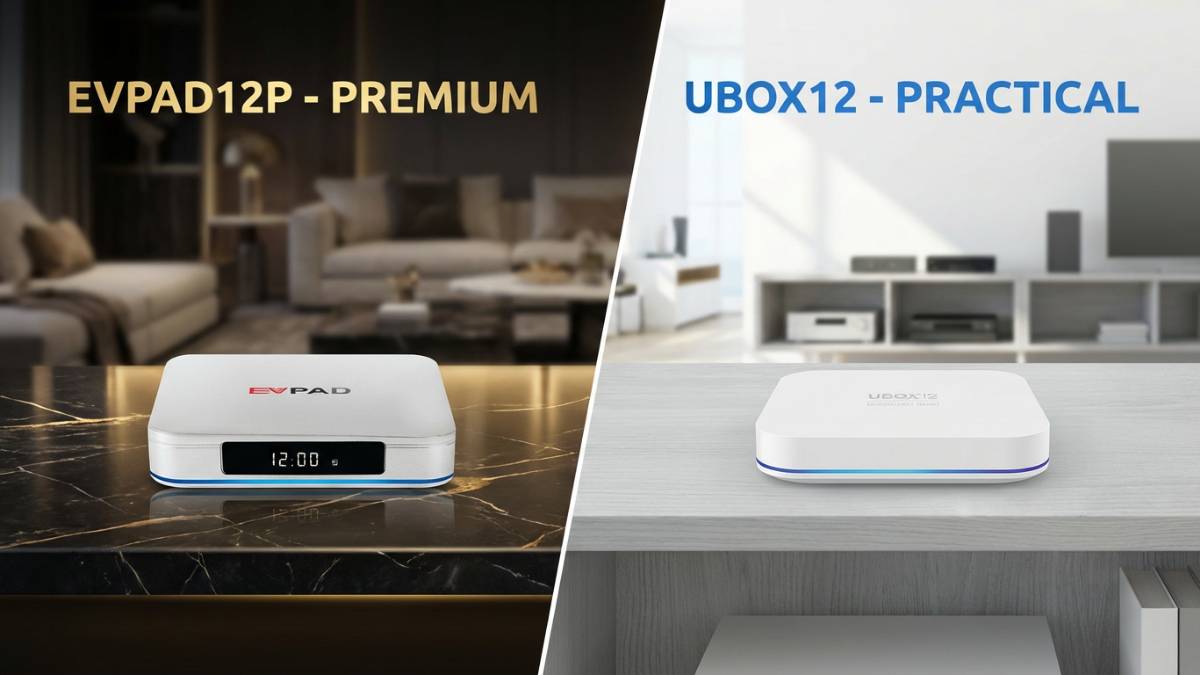
Product Positioning: Premium vs Practical

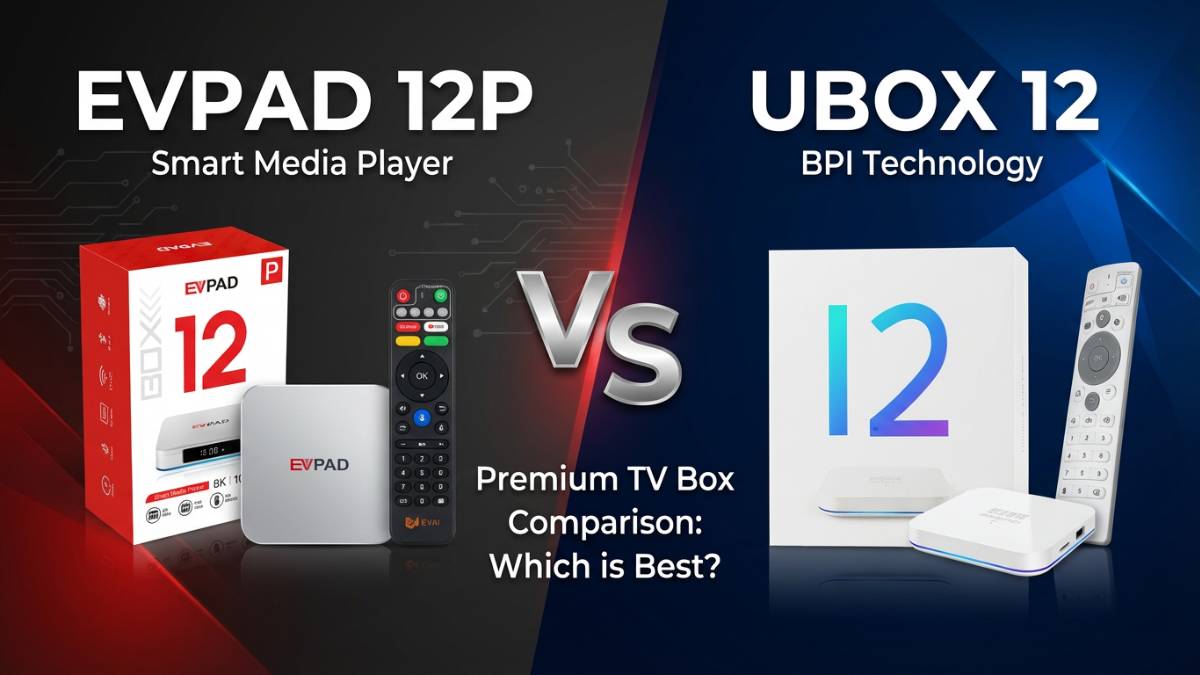
EVPAD12P and UBOX12 product positioning comparison

When comparing the UnblockTech UBOX12 and the EVPAD12P, both devices are designed to improve the home entertainment experience, but they appeal to different users. The UBOX12 focuses on simplicity and practicality, while the EVPAD12P feels more premium and better suited for users who want a smoother and more complete experience.

One of the biggest differences is the price. The UBOX12 is priced at US$269, while the EVPAD12P costs US$239. That makes EVPAD12P the more affordable choice, and for many users, it also offers better value for money.

Appearance and Build Quality

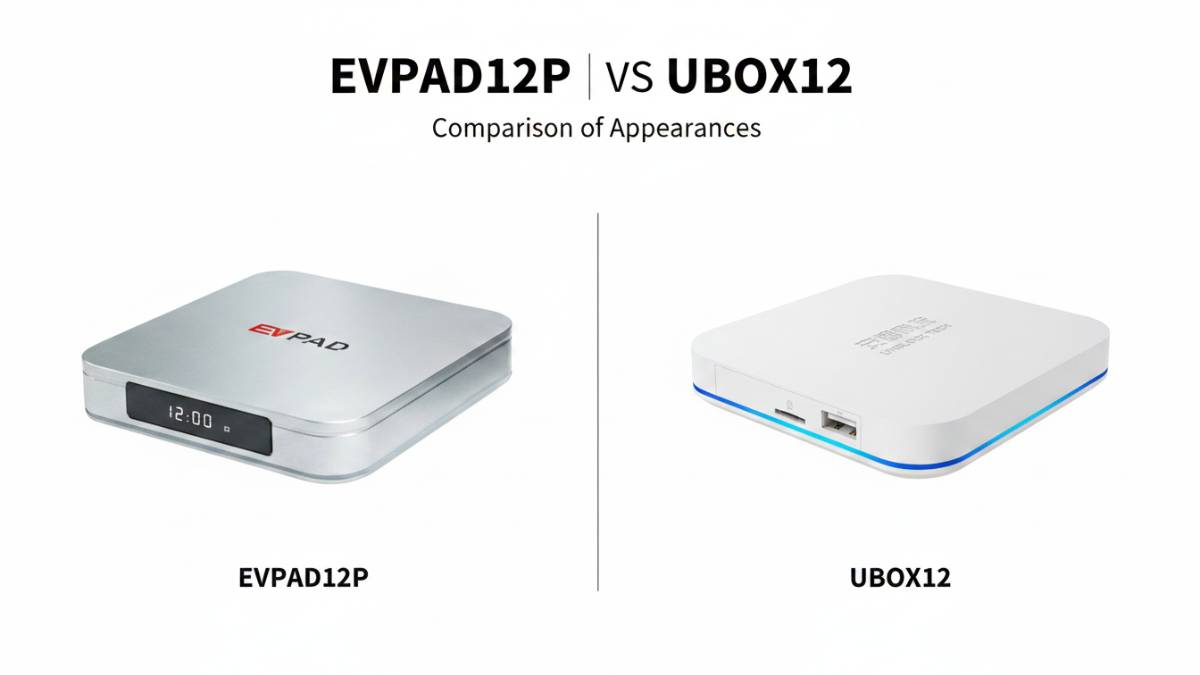
EVPAD12P silver design and UBOX12 white design comparison

In terms of appearance, the EVPAD 12P comes in a new silver finish, which gives it a more elegant and refined look. It feels like a device that is made to sit nicely in the living room as a main entertainment box for long-term use.

The UBOX12, on the other hand, uses a white design that looks clean, simple, and practical. Its overall style is more understated and focused on function, which makes it a good fit for users who prefer a neat and straightforward look.

If you care about how the box looks on your TV stand, both models do the job well. It really comes down to personal preference — whether you like the more premium silver look of the EVPAD 12P or the simpler white design of the UBOX12.

Hardware and Network Performance

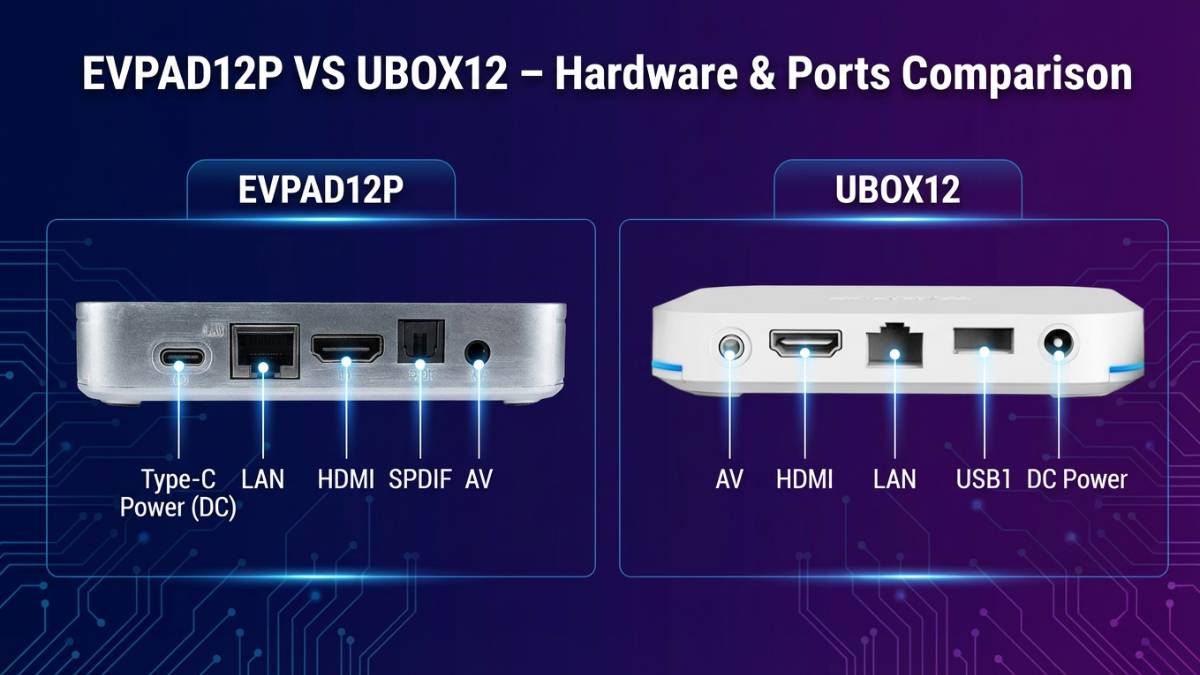
EVPAD12P and UBOX12 hardware ports and network comparison

In terms of hardware, both the EVPAD12P and the UBOX12 come with the same 4GB RAM and 64GB storage, placing them in a similar category for everyday performance. This means both devices are more than capable for users who prioritize simple operation and easy access to content.

Where the EVPAD12P stands out is in its connectivity and overall practicality. It features a gigabit LAN port, Wi-Fi 6, and 8K HDMI output, making it a better choice for users who care about stable streaming and stronger network performance. In addition, the EVPAD12P uses a Type-C power interface, which is more modern and convenient—easier to plug in and compatible with widely used cables, resulting in a cleaner setup.

The UBOX12, while still reliable for daily use, comes with a 100M LAN port and 6K HDMI output, which makes it slightly less capable in terms of network performance. It also supports Wi-Fi 6, so general wireless usage remains smooth.

Overall, both devices are practical and easy to use for home entertainment, but the EVPAD12P is the better choice for users who place higher importance on network stability and a more refined hardware setup.

Remote Control Experience

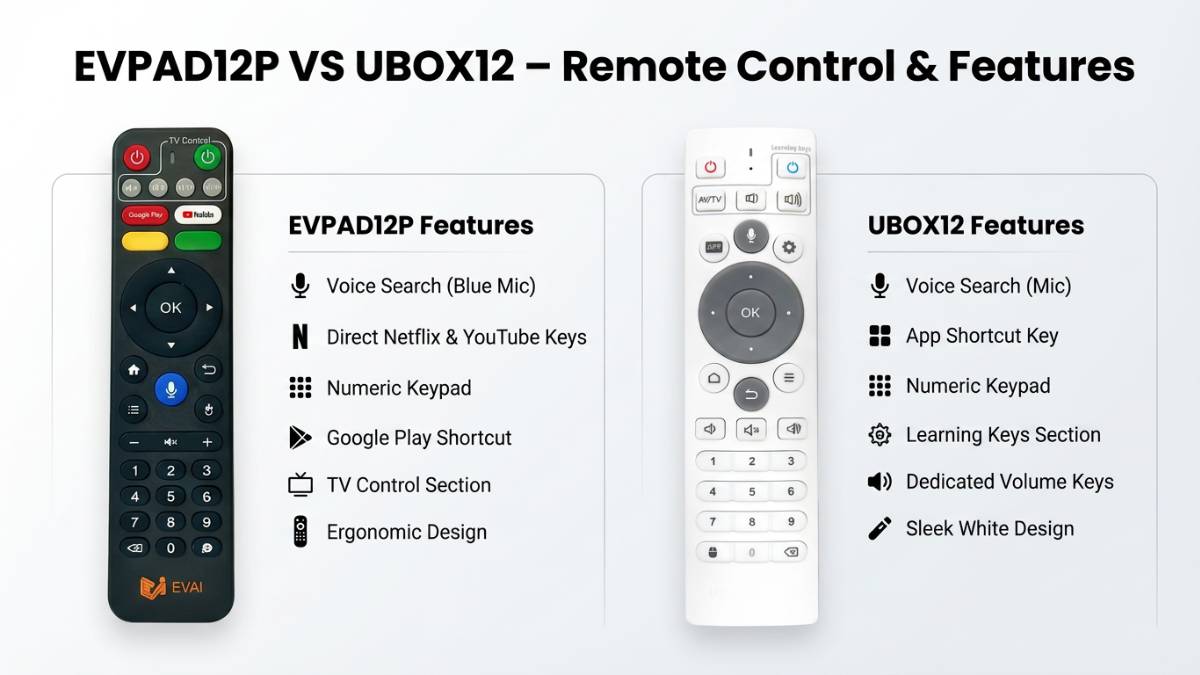
EVPAD12P and UBOX12 remote control comparison

Both the EVPAD12P and the UBOX12 come with AI voice control, which makes searching and navigation much easier in daily use. That means you do not always need to type manually, and for many users, this alone already improves the overall experience a lot.

The EVPAD12P remote feels more complete and practical. It has a better button layout, supports Google Assistant, and includes useful features like air mouse control and a customizable YouTube button. These extra functions make the remote more flexible and easier to use, especially for users who want quicker access to their favorite apps.

The UBOX12 remote, on the other hand, is more simple and straightforward. It is easy to use and does the job well, but it has fewer shortcut functions compared to the EVPAD12P. For users who prefer a cleaner and more minimal remote, this can still be a good fit.

Overall, both remotes are user-friendly, but the EVPAD12P offers a more feature-rich and convenient control experience, while the UBOX12 keeps things simple and easy to understand.

System Experience

When it comes to long-term daily use, system experience often matters more than hardware specs. A TV box can look impressive on paper, but what really decides whether people keep using it is how smooth and easy it feels in everyday operation. Things like launch speed, menu clarity, page switching, and remote control response all play an important role.

The EVPAD12P does a particularly good job in this area. Its UI feels clean and simple, which makes it easier for new users to get used to quickly. The system optimization is also well done, so the overall operation feels smooth and responsive. From opening apps to navigating menus, the experience feels very natural and user-friendly.

That said, the UBOX12 is also a good device in terms of system usability. It offers a solid Android 12-based experience and remains practical for users who mainly care about easy content access and reliable daily use.

Overall, both devices are easy to operate, but the EVPAD12P gives off a more refined and polished impression, especially for users who value a smoother and more intuitive interface.

Feature Experience

In everyday use, the real difference between these two devices becomes clearer in their feature set. The EVPAD12P offers a more complete entertainment experience with support for multiple audio tracks, which makes live TV more convenient for users who watch content in different languages. It also includes a built-in 7-day replay feature, a dedicated KTV app, phone linking, voice control, and air mouse support, giving it a more flexible and interactive feel overall.

The UBOX12 also performs well in daily use and comes with a 5-day replay feature, AI voice control, and a simple setup that makes it easy for family members to use. Its interface is straightforward, which is a plus for users who prefer a more minimal and uncomplicated experience.

In practical terms, these differences matter a lot. For older users, voice search is much easier than manual typing. For people who often miss live programs, replay features are especially useful. Overall, the EVPAD12P feels more feature-rich, while the UBOX12 keeps things simple and easy to manage.

Which One Is Better for You?

If you care more about the overall living room experience, remote control convenience, and a richer set of features, the EVPAD12P feels more like a main TV box built for long-term use. It is a better fit for users who want a more complete and polished entertainment setup.

On the other hand, if you value replay features, ease of use, and a stable everyday experience, the UBOX12 is easier to satisfy those needs. It is a practical choice for users who mainly want a simple and reliable device for family entertainment.

Final Thoughts

Comparison of User Experience and Features Between the EVPAD12P and UBOX12 Systems

Overall, the UBOX12 and the EVPAD12P are not the kind of devices that simply compete on specs alone. Instead, they are built around different user experiences and serve different needs.

If you care more about a richer feature set and a stronger TV box experience, the EVPAD12P is the one to look at first. If you prefer easier replay access, a simpler learning curve, and a more practical family-friendly setup, the UBOX12 may be the better fit.

In the end, the best choice depends on how you plan to use it and which features matter most to your household. Both models are well suited for overseas Chinese families, especially for users who want a more convenient and enjoyable home entertainment experience.

If you would like to learn more, you can check out our detailed EVPAD12P Introduction Guide and UBOX12 Introduction Guide for a closer look at their features, setup, and everyday usage.

ブログタイトルに戻る

コメントを投稿する

コメントは、掲載する前に審査する必要があることに注意してください。