
Quick summary: Many EVPAD users search for “6868jx” when setting up apps on newer EVPAD models. This updated guide explains what 6868jx refers to, why you should start from the EVPAD Download Center, how to prepare before installation, and how to fix common download or app setup problems without relying on random third-party APK websites.
This guide is for EVPAD users who want a safer and clearer setup process. It explains the download-site term commonly associated with 6868jx, how to confirm your EVPAD model, how to open setup resources from your device, and how to avoid common installation mistakes.
The goal is not to push users toward random external download links. The better approach is to start with official support resources, confirm the correct model, use a stable network, and only approve installation prompts when the source is trusted.
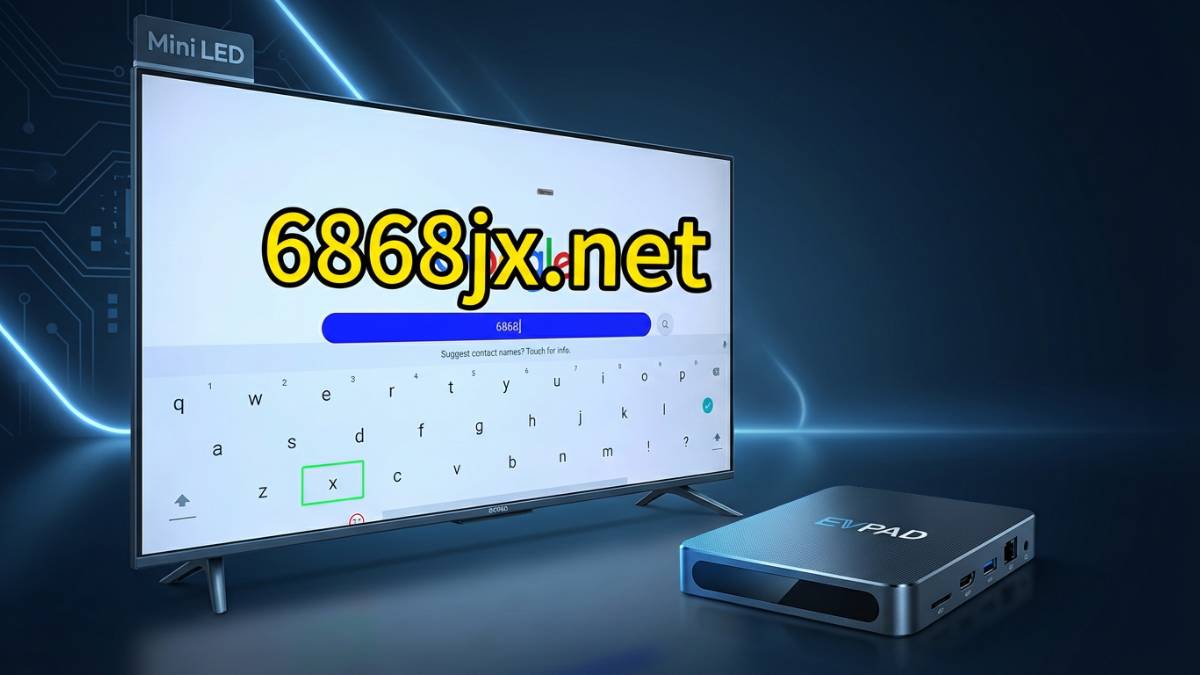
What Is 6868jx for EVPAD?
EVPAD is an Android-based TV box designed for home entertainment, app use and media access. During setup, many users see or search for the term 6868jx because it is commonly associated with app setup resources for newer EVPAD models.
In simple terms, 6868jx is a model-related download-site keyword many users recognize when they are trying to install or refresh EVPAD apps. However, users should not treat every website or mirror using this term as equally safe. The setup path can vary by model, system version and current support guidance.
Start from the EVPAD Download Center
The safest way to handle EVPAD app setup is to use the EVPAD Download Center as your main resource entrance. This helps reduce confusion between newer model resources, older model resources, outdated search results and random APK websites.
Use the Download Center to:
- Confirm the correct setup resource for your EVPAD model.
- Find app installation guidance and support information.
- Check whether your issue is related to setup, network, permissions or app compatibility.
- Access support links if the installation process does not work as expected.
Important: This updated guide does not place direct third-party download links in the article. If older instructions or search results point to a download address, confirm the model and current setup route through official EVPAD support resources first.
Check Your EVPAD Model Before Installing Apps
Different EVPAD generations may use different setup paths. Newer models are commonly associated with 6868jx, while older models may use different resources. Installing the wrong package can cause failed downloads, installation errors or app compatibility problems.
| Before You Install | What to Check | Why It Matters |
|---|---|---|
| Device model | Check your order record, product label or product page. | Different models may use different app setup resources. |
| Network connection | Use stable Wi-Fi or Ethernet before opening the browser. | Weak connection can cause incomplete downloads. |
| Storage space | Make sure there is enough storage before installing apps. | Low storage can block installation or make apps crash. |
| Source trust | Use official EVPAD support resources and avoid unknown APK sites. | Unknown files may be outdated, modified or unstable. |
| Permissions | Only allow installation permission when you trust the source. | This reduces the risk of installing unwanted files. |
If you are setting up an EVPAD 12P or comparing models, review the product details and setup resources before installation.
Step-by-Step EVPAD App Setup Process
The exact screen may vary by model and system version, but the general setup process is usually similar. Follow the steps below to reduce installation errors.
Step 1: Power On and Connect to the Internet
Start by powering on your EVPAD device and connecting it to Wi-Fi or Ethernet. A stable connection helps prevent incomplete downloads and installation interruptions.
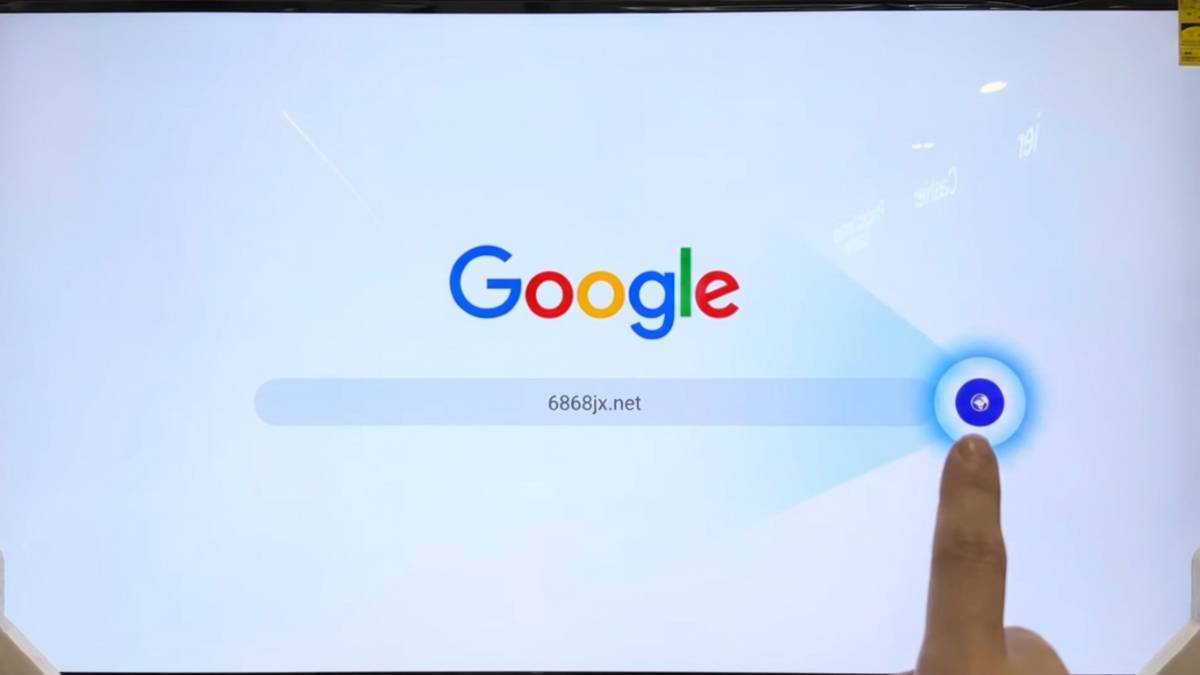
Step 2: Open the Browser or Setup Entry
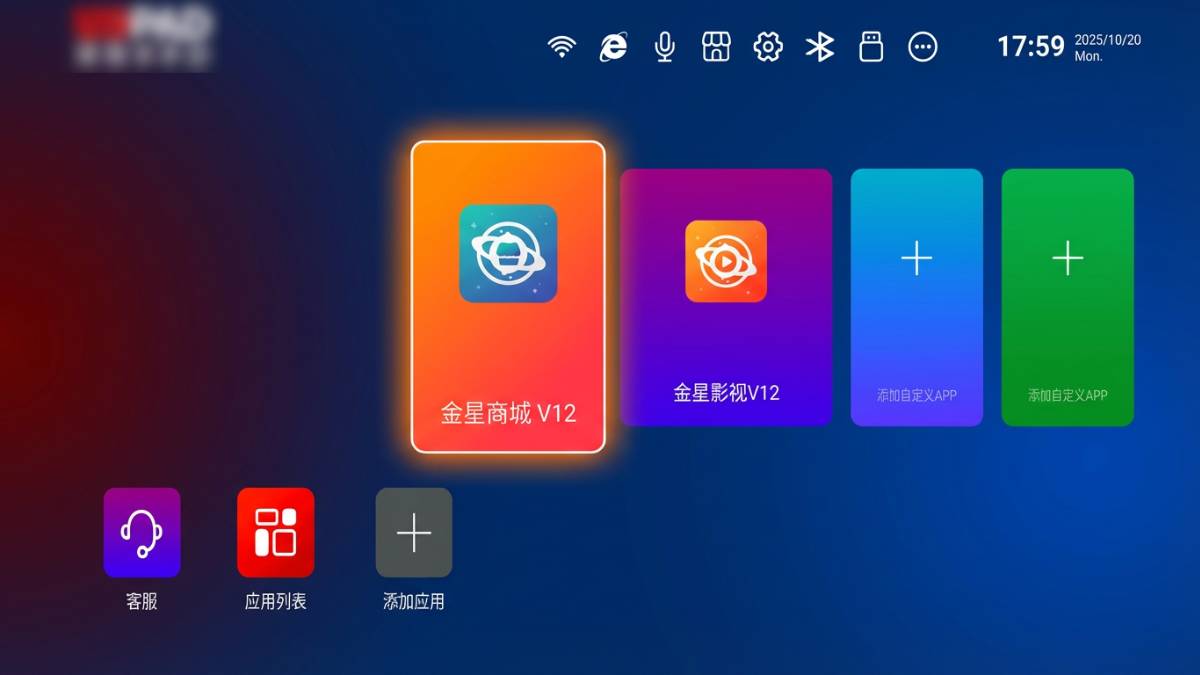
Open the built-in browser or the setup entry provided on your EVPAD device. This is usually the most direct way to reach the model-related app setup page.
Step 3: Confirm the Correct Resource
Before downloading, confirm that the resource matches your EVPAD model. If you are not sure, return to the EVPAD Download Center or contact support.
Step 4: Download the Installer
Wait for the page to load fully, then choose the installer or app package that matches your model. Do not repeatedly click the download button if the page is still loading.
Step 5: Allow Installation Carefully
When the system asks for installation permission, approve it only if you trust the source. After installation is complete, turn off unknown-app installation permission if it was enabled during setup.
Step 6: Open and Test the App
Return to the home screen and open the new app. Test basic loading, navigation and playback. If the app does not work normally, do not immediately reset the device. Use the troubleshooting steps below first.
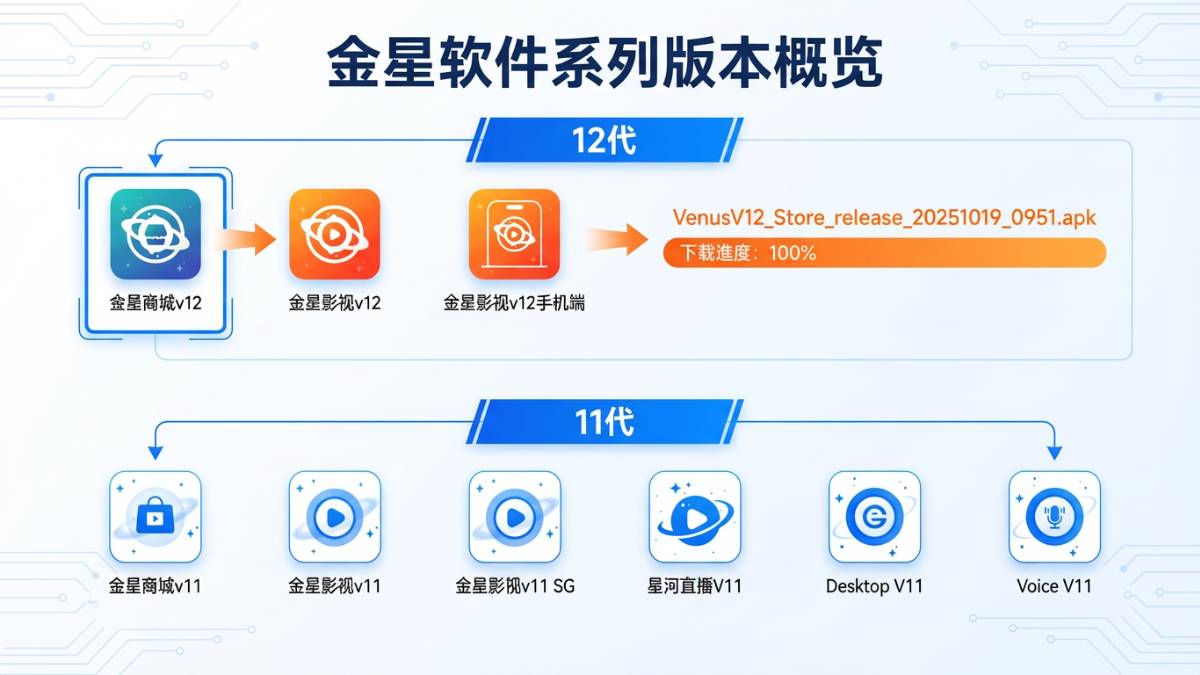
Common 6868jx Setup Errors and How to Fix Them
Most setup problems are related to network connection, model mismatch, browser loading, permissions or incomplete downloads. Try the simple checks below before doing a factory reset.
For broader app installation guidance, review the EVPAD Apps Guide. For common product, shipping and setup questions, visit the EVPAD FAQ page.
Safe Download Checklist for EVPAD Users
Because download-related keywords are easy to copy or misuse, it is important to follow a basic safety checklist before installing any file.
- Start from the EVPAD Download Center whenever possible.
- Confirm your exact EVPAD model before downloading.
- Avoid random APK websites, short links and unknown mirrors.
- Do not install files that look unrelated to your model.
- Use stable Wi-Fi or Ethernet before downloading large files.
- Only allow installation permissions when you trust the source.
- Turn off unknown-app installation permission after setup.
- Restart the device after installation if apps do not appear correctly.
- Contact support if the setup path is unclear.
When Should You Use Download Center, FAQ or Support?
Not every setup issue needs the same solution. Use the table below to decide where to go next.
| Situation | Recommended Resource | Reason |
|---|---|---|
| You are not sure which app setup route applies to your model. | EVPAD Download Center | Start with model-related setup guidance. |
| You want a broader app installation tutorial. | EVPAD Apps Guide | Useful for Google Play, APK sideloading, updates, cache and permissions. |
| You have a general setup, warranty, shipping or return question. | EVPAD FAQ | Good for common support answers. |
| You tried the steps but setup still fails. | Contact EVPAD Support | Support can check your model, order and screenshots. |
Frequently Asked Questions About EVPAD 6868jx Setup
Is 6868jx the official EVPAD download site?
6868jx is commonly associated with app setup resources for newer EVPAD models. Because setup paths can vary, the safest approach is to start from the EVPAD Download Center and confirm the model-specific guidance before installing anything.
Why should I use the EVPAD Download Center first?
The Download Center helps users find model-related setup resources and support links. It reduces the risk of using an outdated search result, wrong model resource or unknown third-party APK website.
What should I do if the 6868jx page does not open?
Check your internet connection, restart the browser, restart the EVPAD box, and confirm that you are following the setup route for your model. If the issue continues, contact support with your model and screenshots.
Can I use a third-party APK site instead?
It is not recommended. Third-party APK websites may provide outdated, modified or incompatible files. Use trusted resources and official support guidance whenever possible.
Why does the installation fail?
Common reasons include unstable internet, incomplete download, wrong model resource, insufficient storage or blocked installation permissions. Try the basic checks first before resetting the device.
Do older EVPAD models use the same setup route?
Not always. Older models may use different setup resources. Check the model name, product label, order record or support guidance before downloading files.
Should I factory reset the EVPAD box if setup fails?
A factory reset should be the last step. First check network connection, storage, permissions, model match and app cache. If you are unsure, contact support before resetting.
Conclusion
The EVPAD download-site keyword 6868jx is useful because many users search for it during app setup. However, the safer way to complete installation is to confirm your model, start from the EVPAD Download Center, avoid unknown APK sources, and follow the setup steps carefully.
If you are setting up a newer EVPAD model such as EVPAD 12P, keep the installation clean: use stable internet, install only the apps you need, check permissions, and contact support if the setup path is unclear.
Need help with EVPAD app setup?
Use the official support resources below to confirm your model, review app setup guidance and contact support if needed.
Open Download Center Read Apps Guide View FAQ Contact Support