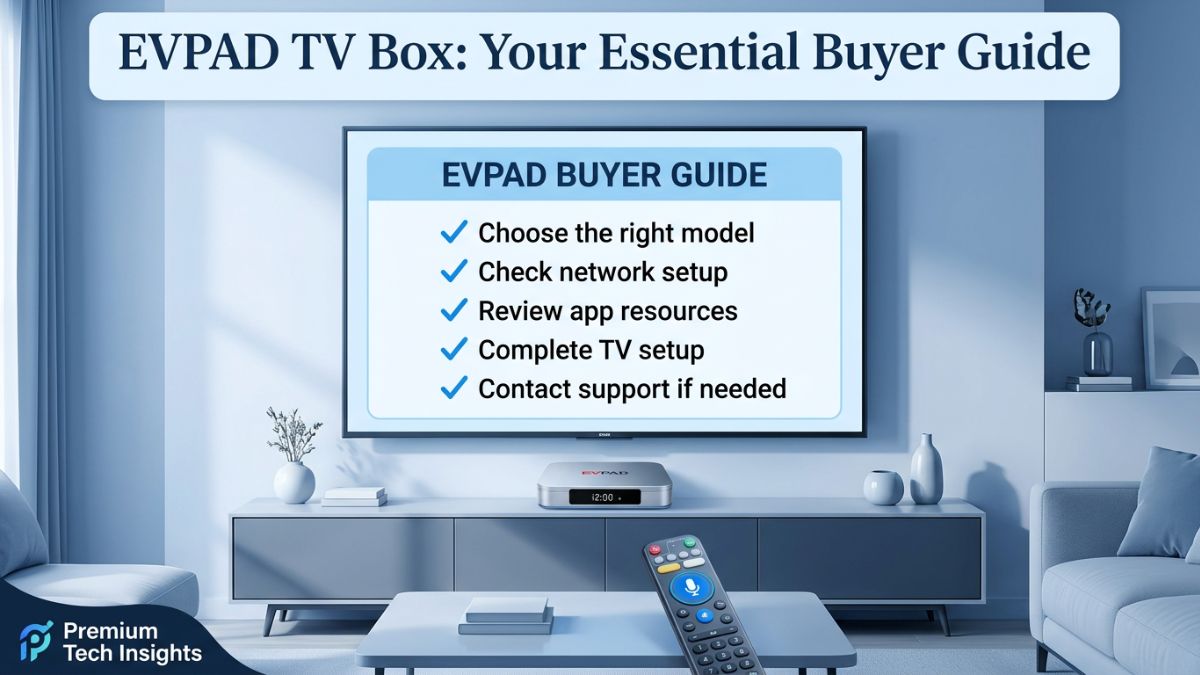
Quick answer: An EVPAD channel list is a reference for the regions, languages, and content categories an EVPAD TV Box may support — not a fixed, permanent guarantee. Before setup, confirm your exact model (such as EVPAD 12P), prepare a stable network, follow the official EVPAD setup resources, and contact support for model-matched guidance if your household has specific viewing needs.
Before buying or setting up an EVPAD TV Box, it is completely normal to wonder which channels, apps, and regional content options might be available. This is one of the most common questions shoppers ask, and it is the reason so many people search for the EVPAD channel list before they order.
However, a channel list should be read as a reference rather than a fixed promise. App resources, channel availability, regional access, and service conditions can change over time as providers update their services and software versions evolve. Treating the list as a permanent guarantee can lead to confusion after setup.
This guide is written as a practical, buyer-friendly checklist for 2026. Instead of repeating channel names, it helps you understand what to confirm before setup, how to choose the right EVPAD model for your home entertainment needs, where to find official EVPAD setup and EVPAD app download resources, and when to contact support.
What Does “EVPAD Channel List” Usually Mean?
When customers search for an EVPAD channel list, they are usually trying to answer a few practical questions before they place an order. Understanding the real intent behind the search helps set the right expectations for your EVPAD TV Box.
Common questions behind the search
- Which regions or languages are commonly supported?
- Does the EVPAD TV Box fit my household's viewing habits?
- Do I need a specific EVPAD model, such as EVPAD 12P?
- Where should I find EVPAD app setup and download resources?
- Who should I contact if I need model-matched support?
The official EVPAD Channel List page is the best place to review the store's current sample information and support guidance. This blog is designed to support that page by explaining how buyers should read channel-list information before setup, so expectations are realistic from day one.
Why Can EVPAD Channel and App Availability Change?
Channel and app availability may vary based on region, model, network condition, software version, and content-provider updates. A list that is useful for reference today may not represent a permanent guarantee for every location or every future update. Knowing the factors involved helps you troubleshoot calmly if something looks different than expected.
Important note: EVPAD TV boxes are hardware devices for home entertainment setup. Users should only use apps and services that are legally available in their location, and should not publicly or commercially redistribute copyrighted content without permission.
What Should You Check Before EVPAD Setup?
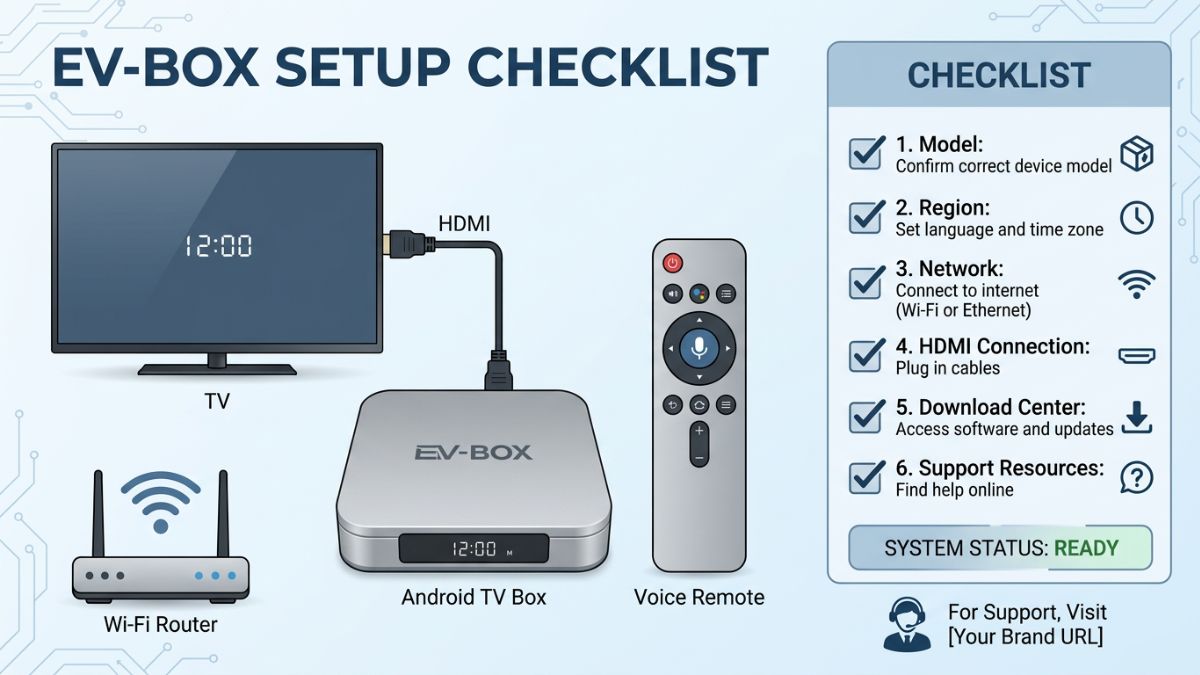
A little preparation before EVPAD setup can prevent confusion and reduce support requests. Run through this checklist before you start, whether you have a new EVPAD 12P or an earlier model.
| Check Item | What to Confirm | Why It Matters |
|---|---|---|
| Model | Confirm whether you have EVPAD 12P, 12S, 11P, 11S, or an older model. | Different models may use different setup guidance and app resources. |
| Region | Confirm your shipping country, plug type, and language needs. | Regional expectations and accessories should match your household setup. |
| TV connection | Check that your TV has an available HDMI port. | EVPAD boxes connect to a TV through HDMI for normal use. |
| Network | Use a stable Wi-Fi connection or Gigabit Ethernet when possible. | A stable connection helps reduce loading issues and setup interruptions. |
| Support resources | Save the EVPAD Download Center, FAQ, and Contact Us pages. | These pages help you find model guidance, setup answers, and support contact options. |
| Policies | Review shipping, return, and warranty terms before ordering. | This sets clear expectations before checkout. |
EVPAD 12P and Channel List Expectations
For many buyers, EVPAD 12P is the model they check first because it is positioned as a current EVPAD TV box for home entertainment. It includes 4GB RAM, 64GB storage, Wi-Fi 6, Gigabit Ethernet, and a voice remote, making it a practical choice for families who want a simple living-room setup.
How hardware relates to channel-list expectations
Strong hardware specifications can help with everyday performance, faster loading, and smoother navigation. However, channel and app availability still depends on the current resources, your region, your internet connection, and ongoing app updates. In other words, a capable device improves the experience, but it does not override regional rules or provider changes.
If you are not sure whether EVPAD 12P or another model fits your needs, compare the current options in the EVPAD TV Box collection before ordering. Matching the right model to your household is one of the most important steps for a satisfying setup.
Where Can You Find EVPAD App Download and Setup Resources?
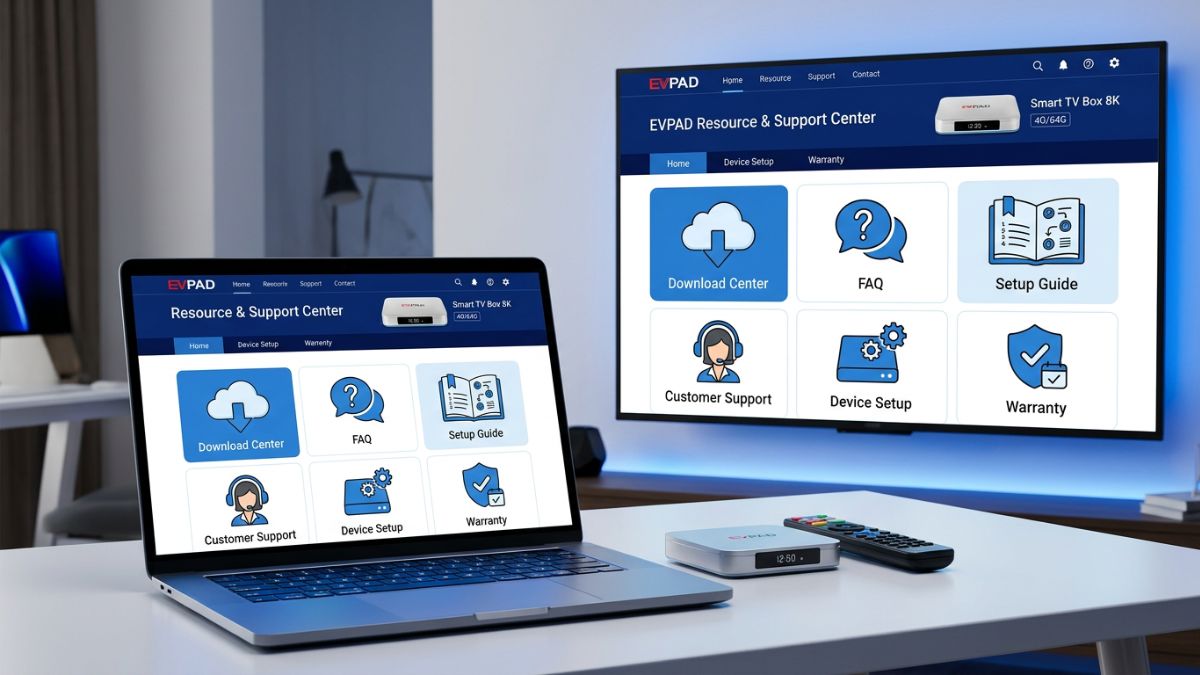
Do not rely on random third-party download links, which can be unreliable or unsafe. For EVPAD app download and setup support, start with the official EVPAD Download Center. It is designed to help users confirm their model, review app setup resources, and find relevant tutorials in one place.
Recommended setup steps
- Confirm the exact EVPAD model printed on your device or order page.
- Use the EVPAD setup guide that matches your specific model.
- Connect to a stable internet connection before installation.
- Restart the device if setup does not complete correctly.
- Contact support if you are unsure which resource applies to your device.
For common setup, shipping, return, and troubleshooting questions, the EVPAD FAQ page is also a helpful support resource that answers many questions before you need to contact the team directly.
Network Tips for a Smoother EVPAD Viewing Experience
Even with the right model and the correct EVPAD setup guide, your home network plays a major role in everyday use. Before judging whether an app or channel is working correctly, check your connection first — many issues that look like content problems are actually network problems.
- Use Gigabit Ethernet if your router is near the TV box for the most stable connection.
- If using Wi-Fi, place the router closer to the EVPAD TV Box when possible.
- Restart both the router and the TV box if loading problems appear.
- Avoid running too many high-bandwidth devices on the same network at the same time.
- Make sure your device is connected to the correct Wi-Fi network.
If the issue continues, send your order number, model name, screenshots, or a short video to EVPAD support. Providing this information helps the support team quickly identify whether the problem relates to setup, network, account, or device configuration.
Buyer Checklist Before Ordering an EVPAD TV Box
Before placing an order, use this simple buyer checklist to make sure your expectations and your setup are aligned.
| Question | Recommended Action |
|---|---|
| Do I know which model I want? | Compare EVPAD 12P, 12S, 11P, and other available models in the collection. |
| Do I understand channel-list limitations? | Use the EVPAD channel list as a reference and confirm your expectations with support when needed. |
| Is my home network stable? | Prepare Wi-Fi or Gigabit Ethernet before setup. |
| Do I know where to find setup resources? | Save the EVPAD Download Center and FAQ pages. |
| Have I checked the policies? | Review shipping and return terms before checkout. |
FAQ: EVPAD Channel List and Setup
Does EVPAD have a fixed channel list?
No channel list should be treated as permanently fixed. Channel and app availability may change due to region, provider updates, app changes, software versions, and network conditions. Use the official EVPAD Channel List page as a reference, and contact support if you need model-matched guidance for your household.
Why do EVPAD channels or apps change sometimes?
Apps and channels can change because of server updates, provider changes, regional access rules, software updates, or network conditions. This is why EVPAD setup resources and support guidance should always be checked before installation rather than relying on older information.
Where can I find EVPAD app download resources?
Start with the official EVPAD Download Center. Confirm your model first, then follow the EVPAD setup guide that matches your TV box. Avoid unknown third-party sources, which may be unreliable or unsafe.
Which EVPAD model should I check first?
Many buyers check EVPAD 12P first because it is a current model with 4GB RAM, 64GB storage, Wi-Fi 6, Gigabit Ethernet, and a voice remote. If you are comparing models, review the EVPAD TV Box collection before ordering to match the device to your home entertainment needs.
What should I do if an EVPAD app or channel does not load?
Restart your device and router, check your Wi-Fi or Ethernet connection, confirm that you followed the EVPAD setup guide for your model, and review the FAQ or Download Center. If the problem continues, contact support with your model, order number, a screenshot, or a short video so the team can help efficiently.
Is the EVPAD channel list the same in every country?
Not necessarily. Availability can differ by region because of licensing and regional access rules. The EVPAD channel list should be treated as general reference information, and you should confirm expectations for your specific location with the official resources or support team.
Do I need a strong internet connection for an EVPAD TV Box?
A stable connection is strongly recommended. Wi-Fi 6 and Gigabit Ethernet, both supported on EVPAD 12P, can help deliver a smoother experience. Before assuming an app or channel issue, always check your network first, as connection quality affects everyday performance on any TV box.
Where can I get model-matched help for EVPAD setup?
Use the EVPAD Download Center and FAQ pages first, since they cover most setup and troubleshooting questions. For personalized help, contact EVPAD support through the official Contact Us page and include your model name and order details.
Final Thoughts: Reading the EVPAD Channel List the Right Way
An EVPAD channel list is genuinely useful for understanding possible regional and language coverage, but it is best read as a reference rather than a fixed guarantee. The smartest approach for 2026 is straightforward: confirm your exact model, prepare a stable home network, follow the official EVPAD setup resources, and reach out to support if your household has specific viewing expectations.
By setting realistic expectations before you order an EVPAD TV Box and by keeping the official support pages handy, you give yourself the best chance of a smooth, frustration-free home entertainment setup from day one.
Need help choosing or setting up EVPAD?
Start with the official support resources below, or contact the support team for model-matched guidance.
View Channel List Open Download Center View EVPAD 12P Contact Support