
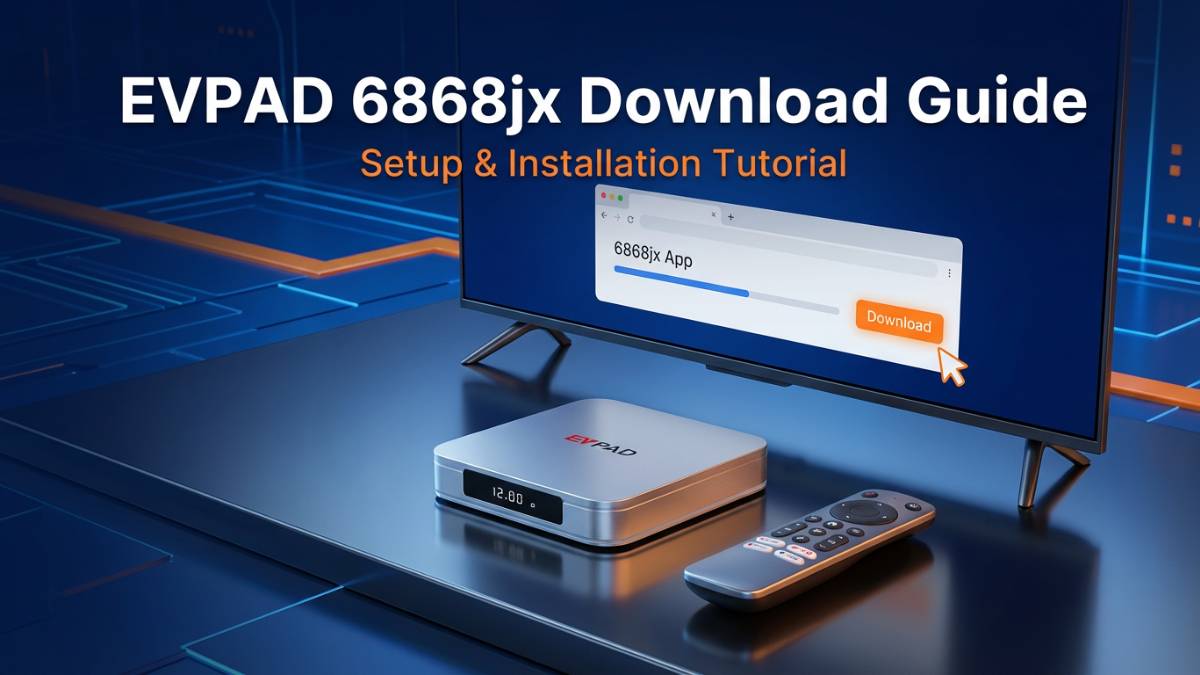
This guide explains how EVPAD users can access the download portal commonly associated with 6868jx, complete the basic app installation process, and solve common setup issues. It also covers source verification, troubleshooting, and important safety considerations so users can make informed decisions when setting up their device.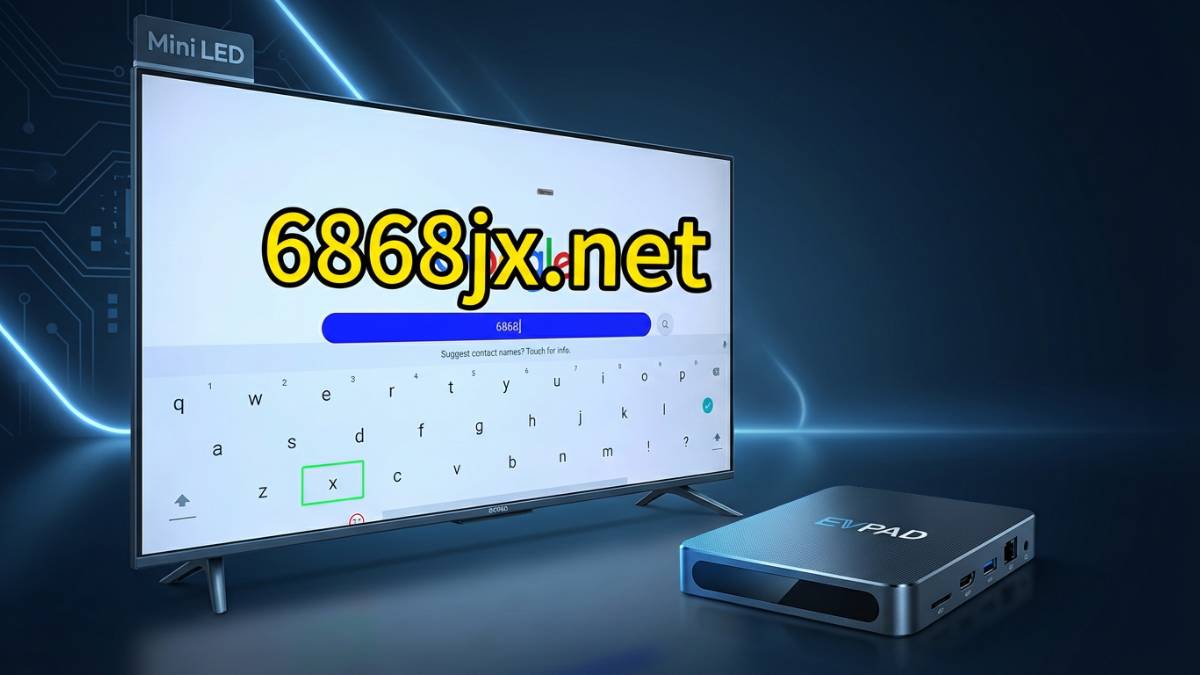
What Is EVPAD and the 6868jx Download Portal?
EVPAD is an Android-based TV box designed for online entertainment and media access. For many newer EVPAD models, users are instructed to open the built-in browser and visit the correct download portal to install or update the apps needed on the device.
The download portal commonly associated with newer EVPAD models is 6868jx. For older models, a different portal may be used. Because device versions can vary, it is important to follow the setup path that matches your specific model.
In simple terms, 6868jx is the app download entry point many EVPAD users rely on when setting up their device for the first time or refreshing an existing installation.
Official vs. Unofficial Download Sources
Not every download source is equally reliable. Before downloading any file, users should verify the domain carefully and avoid unknown third-party APK websites.
| Source Type | Example | Notes |
|---|---|---|
| Official-style portal for newer models | 6868jx | Commonly referenced for newer EVPAD devices. |
| Alternate mirrors | 6868jx.net, 6868jx.shop, 6868jx.org | Often mentioned as alternative access points when the main page is unavailable. |
| Legacy portal | 6868hx | Commonly referenced for older EVPAD models. |
| Third-party APK sites | Random app repositories | May contain modified, outdated, or unsafe files. |
Which EVPAD Model Uses Which Portal?
Different EVPAD generations may use different download paths. Newer devices are commonly associated with 6868jx, while older devices are more often linked to 6868hx. If you are unsure about your model, check the product label, order record, or user manual before downloading anything.
Using the correct portal matters because the installation package may differ by generation. A mismatch can lead to failed downloads, installation errors, or app compatibility issues.
How to Open the Download Page on EVPAD
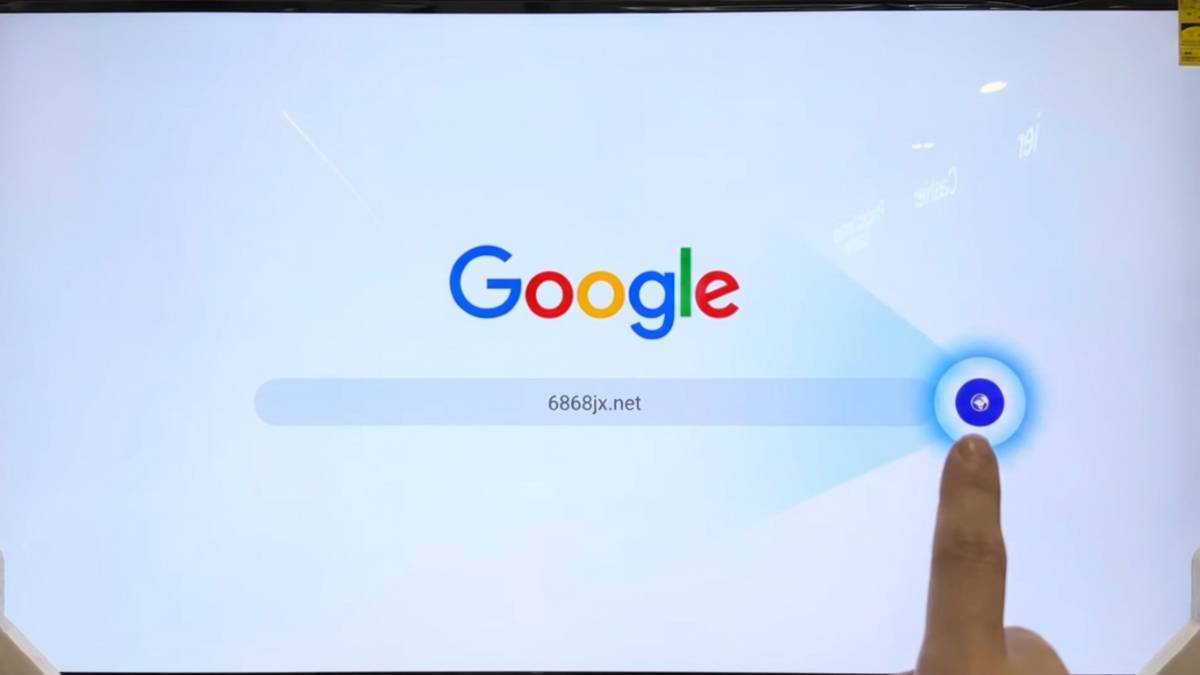
- Turn on your EVPAD device and connect it to a stable internet connection.
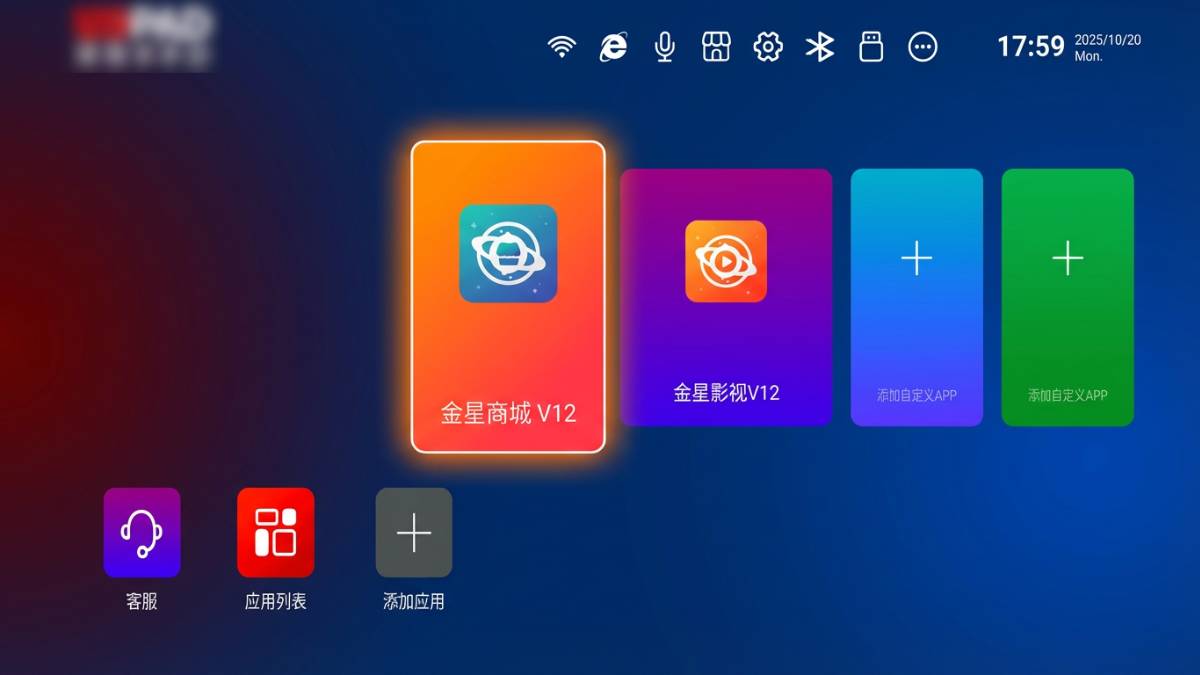
- Open the built-in browser from the home screen.
- Enter the correct download address for your model.
- Wait for the page to load, then follow the on-screen instructions.
If the site does not open right away, confirm that your network is working properly and that the address is typed exactly as intended.
Step-by-Step Installation Guide
Step 1: Power On and Connect
Start by powering on the EVPAD box and connecting it to Wi-Fi or Ethernet. A stable connection helps prevent incomplete downloads and installation interruptions.
Step 2: Open the Browser
Use the remote control to launch the browser app on the device. This is usually the most direct way to access the official download page.
Step 3: Enter the Download Address
Type the correct portal address into the browser’s address bar. Double-check the spelling and avoid copying links from unfamiliar websites.
Step 4: Download the Installer
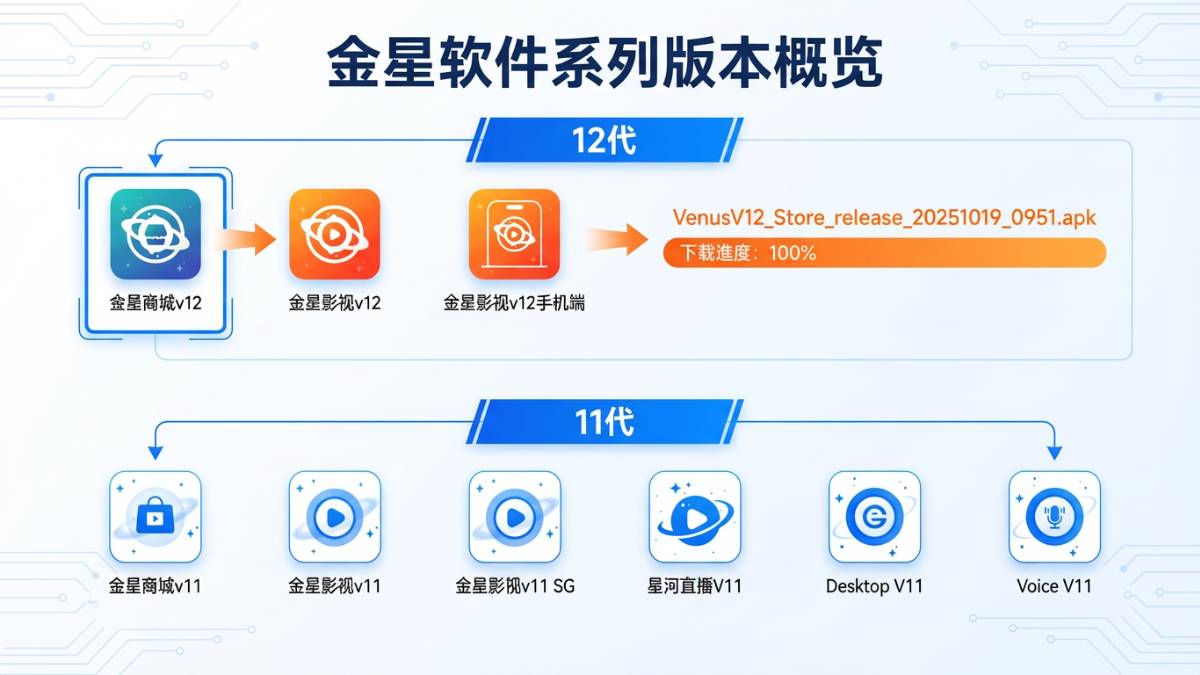
When the page loads, locate the installer or download button that matches your device model. Download only the file recommended by the setup page.
Step 5: Allow Installation
When the system asks for permission, approve the installation only if you trust the source. Once the app is installed, the icon should appear on the home screen.
Step 6: Launch the App
Return to the home screen and open the newly installed app. Follow the app’s own prompts to finish the setup.
Visual Installation Flow
Turn on EVPAD
   ↓
Connect to Wi-Fi
   ↓
Open Browser
   ↓
Enter 6868jx address
   ↓
Download installer
   ↓
Grant permission and install
   ↓
Open the new app
Troubleshooting Tips
The website will not load
If the page does not open, check your internet connection first. You can also try restarting the browser or rebooting the device.
The download stops midway
This usually indicates an unstable connection. Try switching to a stronger network and downloading again.
The app does not install
Make sure the file has fully downloaded before opening it. If installation is blocked, review your device permissions and confirm that the file came from a trusted source.
The app opens but works slowly
Clearing unused files, restarting the box, or reducing the number of installed apps may improve performance.
The portal still does not open
Some browsers require JavaScript to be enabled for the page to function properly. If the browser settings allow it, make sure JavaScript is turned on before trying again.
Safety and Legal Considerations
Security: Always verify the domain carefully before downloading files. Avoid suspicious mirrors, modified APKs, and unknown short links. A misleading site can expose your device to unwanted software or broken installers.
Legality: Users should make sure they comply with local laws and regulations when using any streaming or media device. Content access rights can vary by country and region.
Best practice: Use only trusted sources, keep your device updated, and avoid installing files from unknown third-party websites.
Safe Download Checklist
- Verify the domain before entering the website.
- Use the browser built into the EVPAD device.
- Avoid third-party APK sources whenever possible.
- Only approve installation prompts from trusted sources.
- Keep your device updated for better stability.
- Follow local laws and use the device responsibly.
Frequently Asked Questions
Is 6868jx the official EVPAD download portal?
It is commonly used as the download portal for newer EVPAD models. Always confirm the exact address before downloading anything.
What should I do if the page does not open?
Check your internet connection, restart the browser, and make sure the address is correct for your model.
Can I use a third-party APK site instead?
That is not recommended, because third-party files may be outdated, unsafe, or altered.
Why does my installation fail?
Common reasons include an unstable network, incomplete downloads, incorrect device permissions, or a wrong model-specific portal.
Do older EVPAD models use the same portal?
Not always. Older devices may use a different download path, so it is important to follow the instructions for your specific model.
Conclusion
EVPAD 6868jx download portal is part of the setup process for many newer devices. By using the correct address, following the on-screen steps, and avoiding unsafe third-party links, users can complete installation more smoothly and reduce risk.
For the best experience, always confirm your device model, use trusted sources, and keep your system updated.